Assign Request View to User Groups
To assign a request view to a user group in Sandbox:
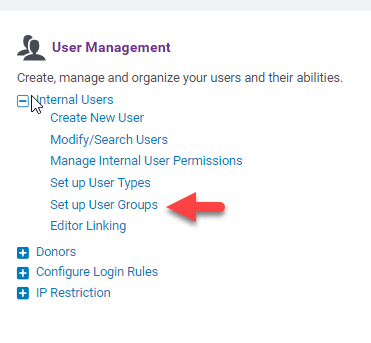
- Admin -> User Management
- Set up User Groups
|
|
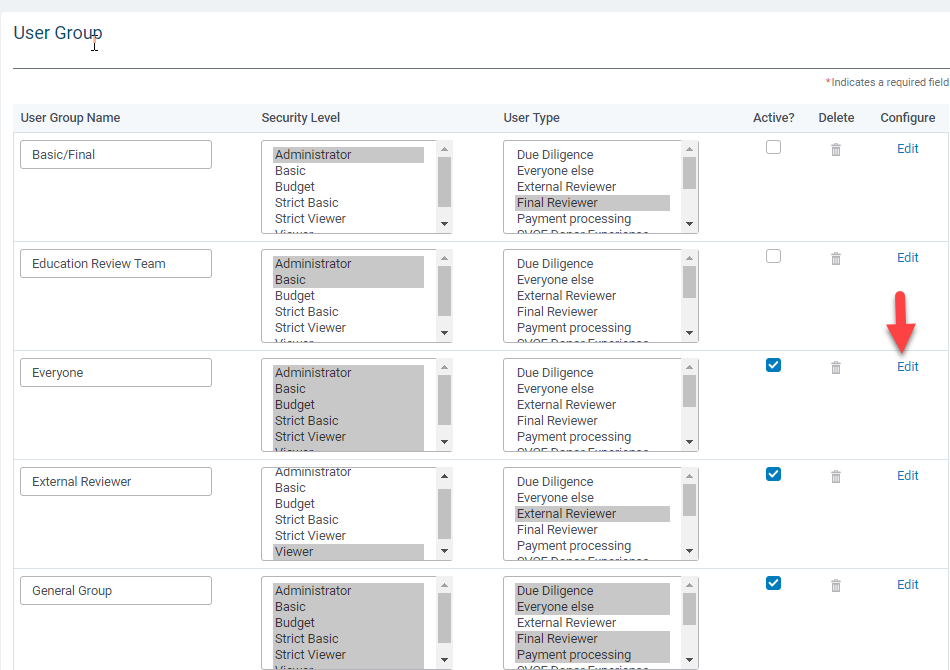
Click on "Edit" next to the user group that the request view should be assigned to.
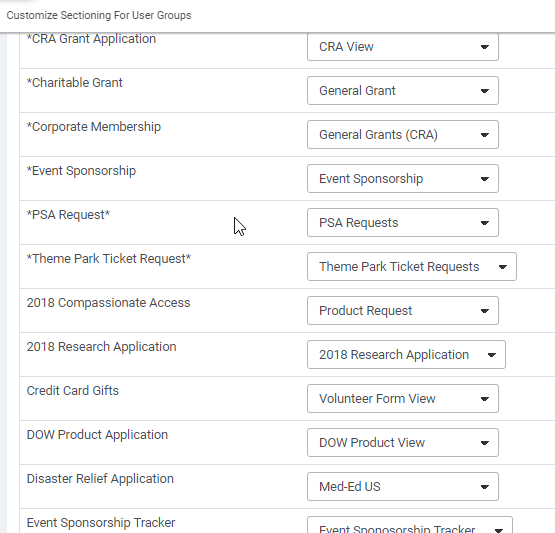
Select the View Name that the Proposal Type should be associated with and save.
Note
Note any changes made in this section cannot be published to production from this page. The ability to publish your changes to production is available under "Set Up Request Views"


