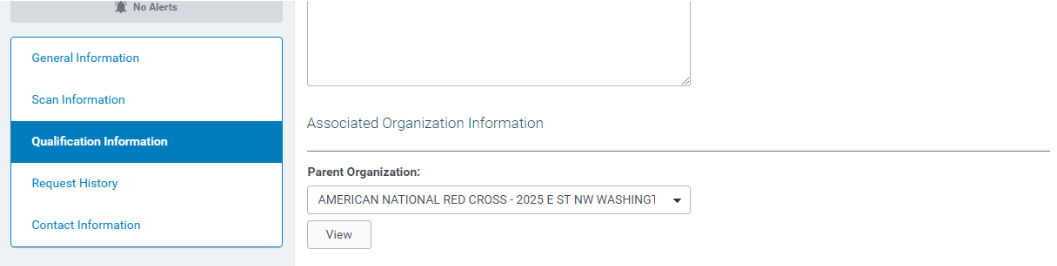
An Administrator can create and manage the parent/child organization relationship. This feature is used for various reasons with one being the ability to pay to the parent organization.
1. On the Admin Tab, go to Organization Management > Manage Organization Relationships
2. Search for the organization that will be a parent:
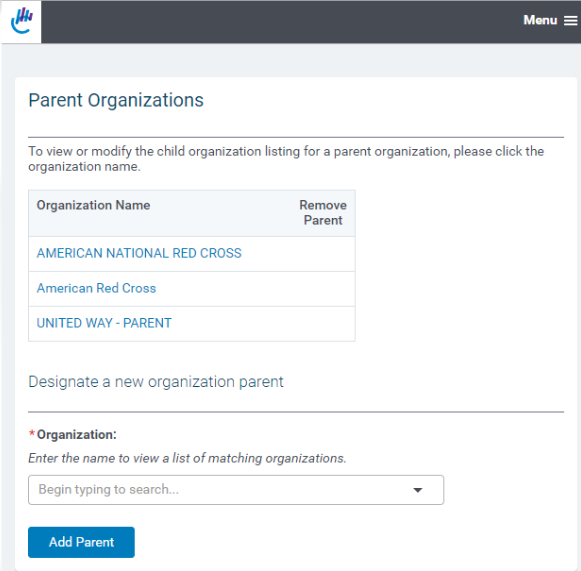
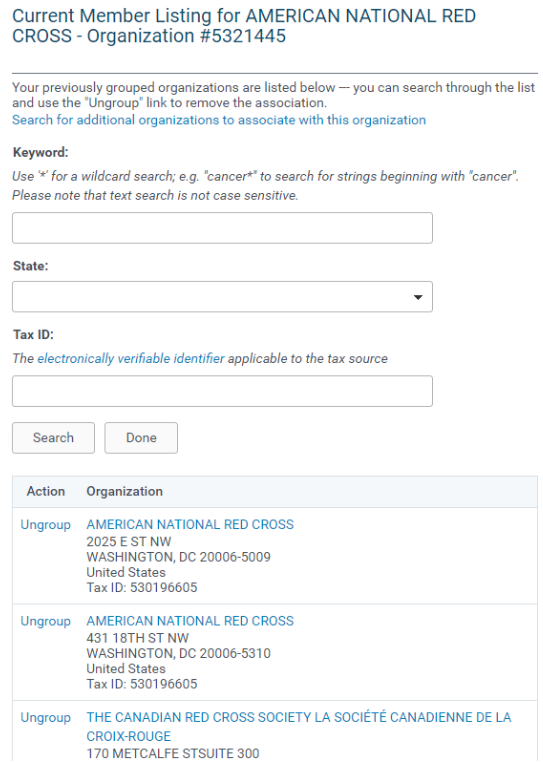
3. Search for organizations to add to the parent:
3. Click the check box for the relevant organizations, then click Save
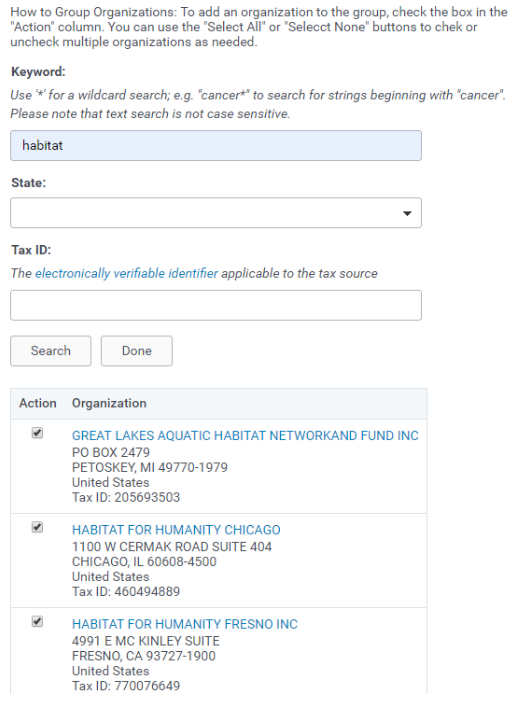
4. The parent/child relationship has now been established.
Within the organization record of the parent record, the associated children records are displayed:
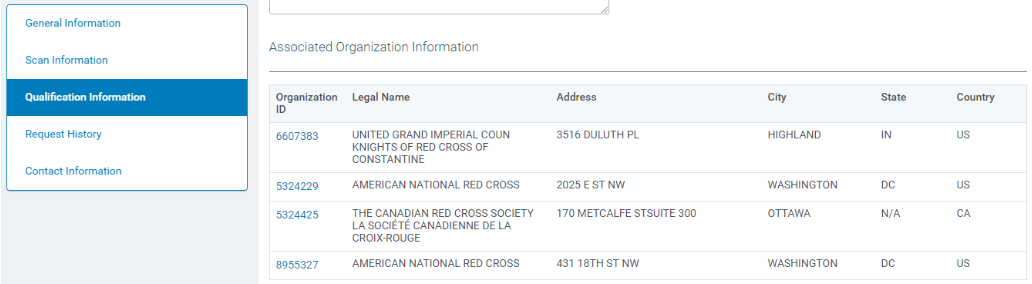
Within the organization record of the child record, the associated parent record is displayed: