An Administrator can map a Tax ID or NCES ID to an organization that currently lacks or has an unverifiable ID. This functionality maintains data integrity and is most helpful after data is migrated into CyberGrants from a system where Tax ID/NCES ID was not tracked.
Choose a keyword to find unverified organizations. Searching by state will narrow down your matches.
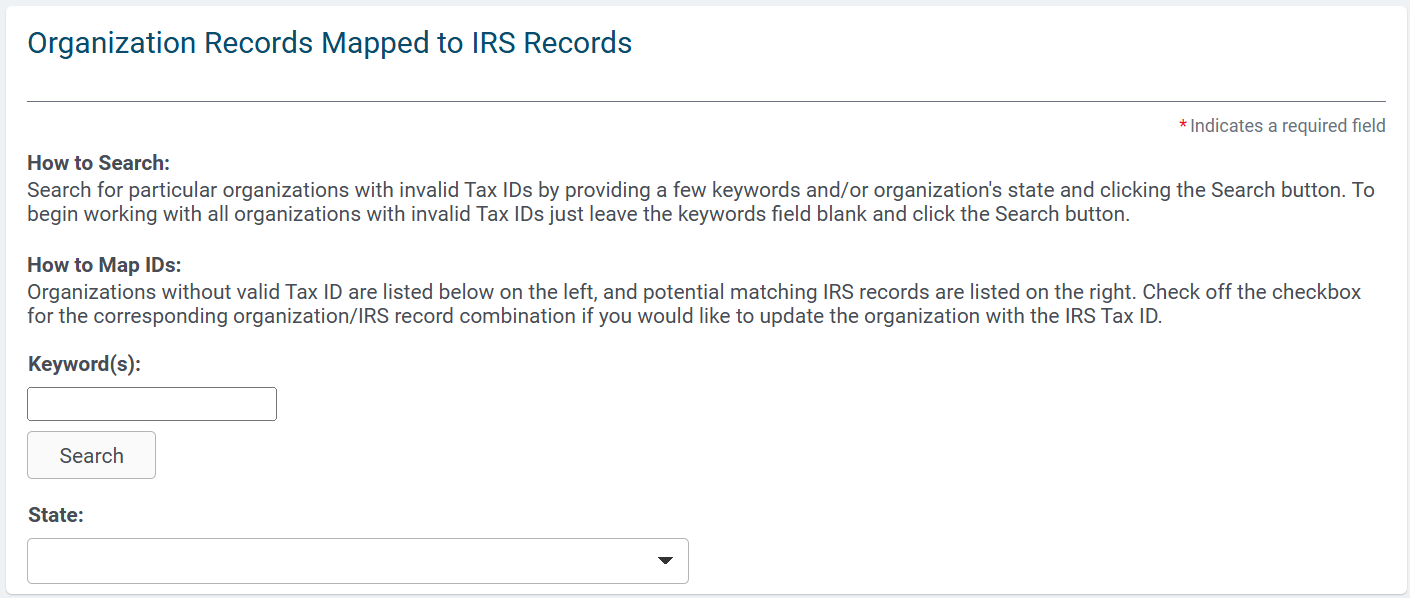
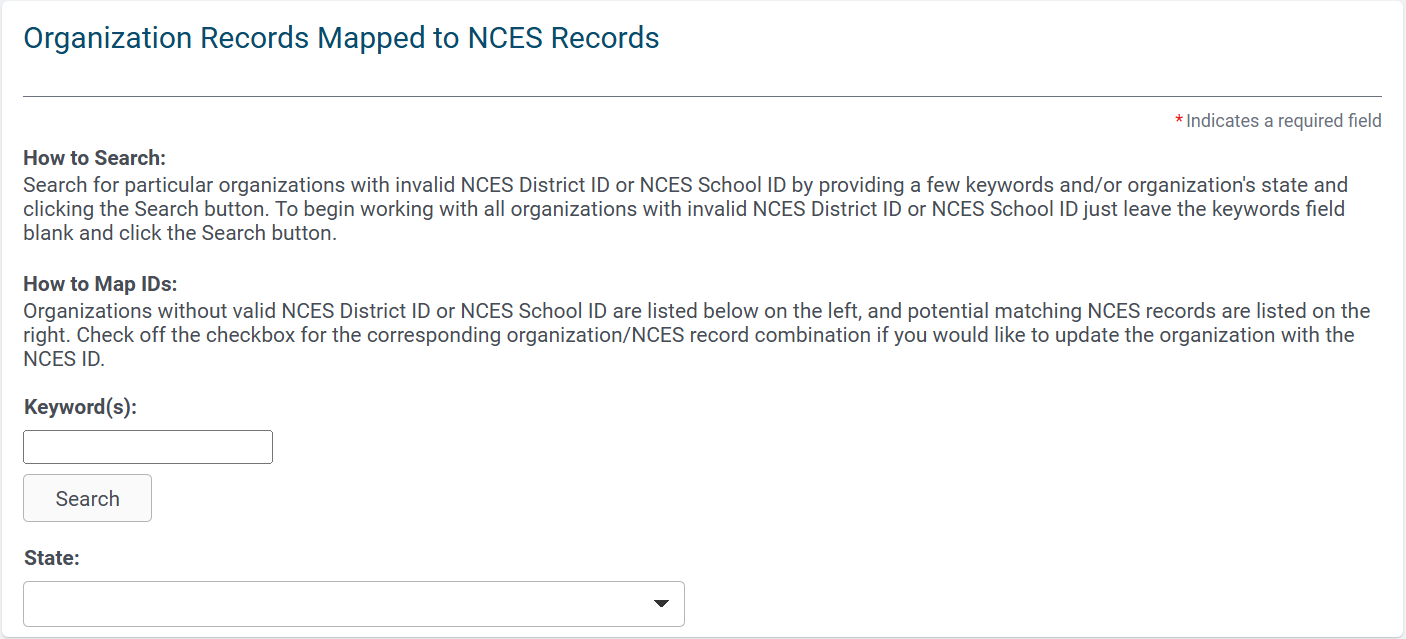
If CyberGrants finds a Tax ID or NCES ID match for a manually verified or unverified
organization, it displays the CyberGrants record on the left and the potentially matching IRS record or NCES record on the right.
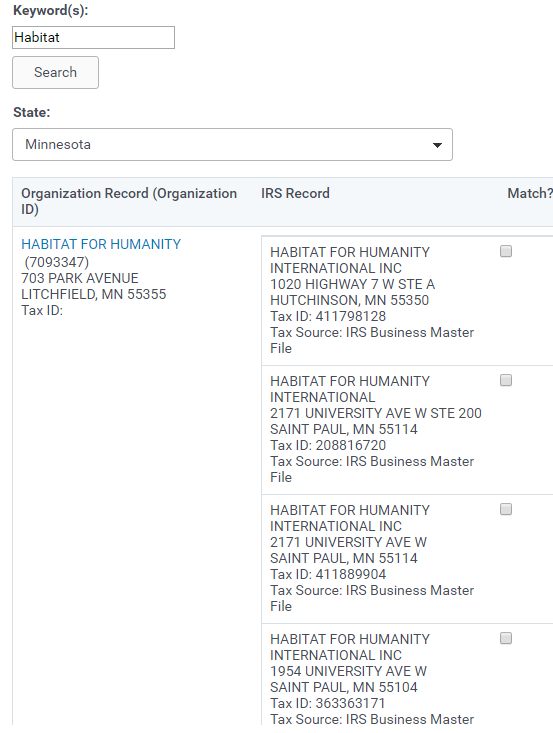
A potential match is based on:
- Legal name in CyberGrants record matches the legal name in either the Tax ID or NCES ID
files (received from the Internal Revenue Service or the National Center for Education
Statistics respectively) - City in the CyberGrants record matches the city in the Tax ID or NCES ID file.
To update the organization record with the IRS Tax ID or NCES ID, click the “Match?” checkbox in the appropriate row then click the “Submit” button at the bottom of the page. CyberGrants assigns the IRS Tax ID or the NCES ID to the organization record.


