To create/search for an Organization Record, click New Organization on the Main Tab

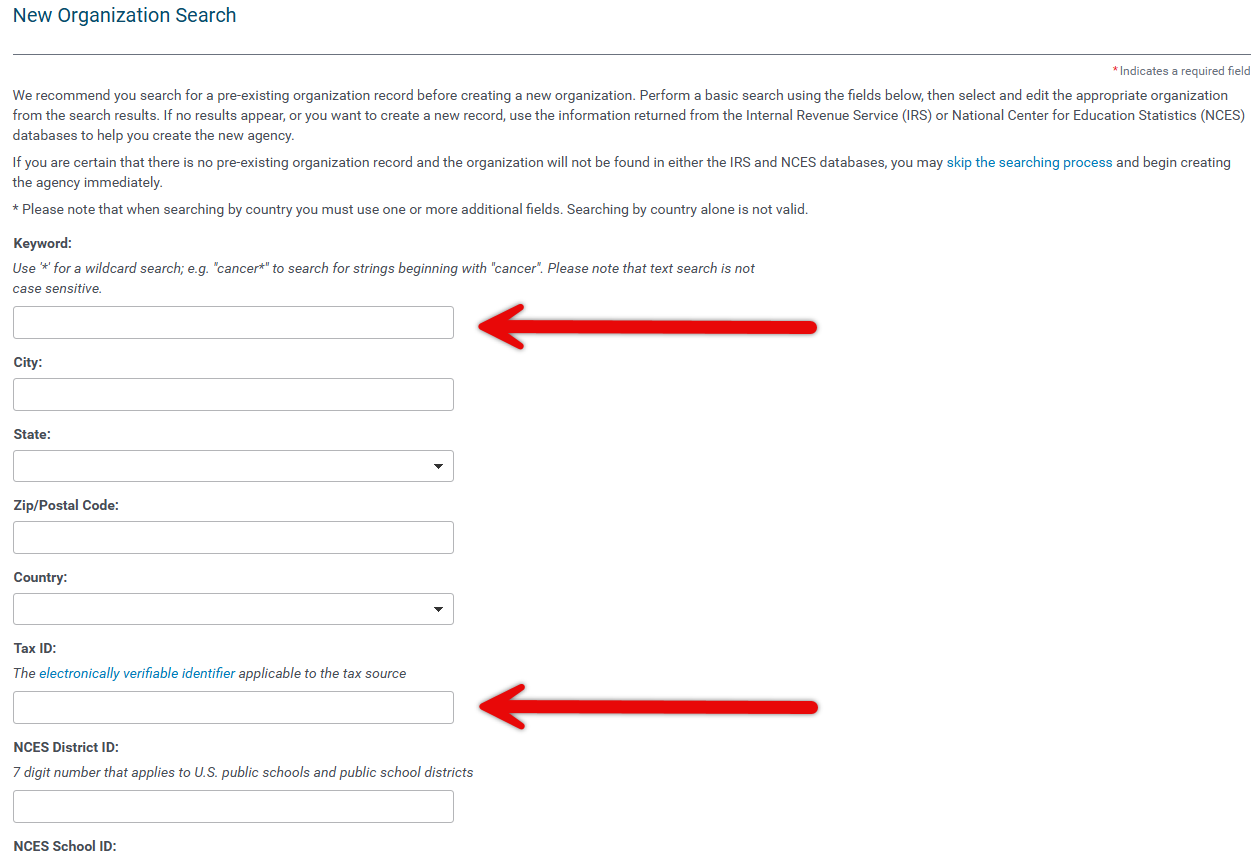
The New Organization Search screen dsiplays. Here you can search for existing organizations or create a new organization
Use Keyword and Tax ID to search for existing organizations
If the organization is already registered in the database you will see the organization listed under Existing Organization Portlet.
If the organization matches to any other organizations in CyberGrants, you will see the organization listed under Additional Database Listings.


View Organization Link: To Open the Organization Record that already exsits in your database, click on the View Organization link on the left. The Organization Record is pre-filled with the legal information form the exsiting record and any information that ahs already been complted by the organization or an administrator.
Create New Link: To create a new Organization Record, click on the Create New link. The Organization Record is pre-filled with legal information from the IRS Business Master File.
If no organizaitons are found, click on the Create a New Organization to create an organization record.



