The address book displays all the contacts within the Grantmaker’s database. It can be used throughout the Mail Tab to create mailing lists, letters, and e-mails. Use the Navigation Frame to search for specific contacts in the Address Book. The Address Book lists four columns of information, Contact, Organization, Address, and Phone/Fax/E-mail for each contact record.
Modifying a Contact Record
Users can modify existing information within a contact record: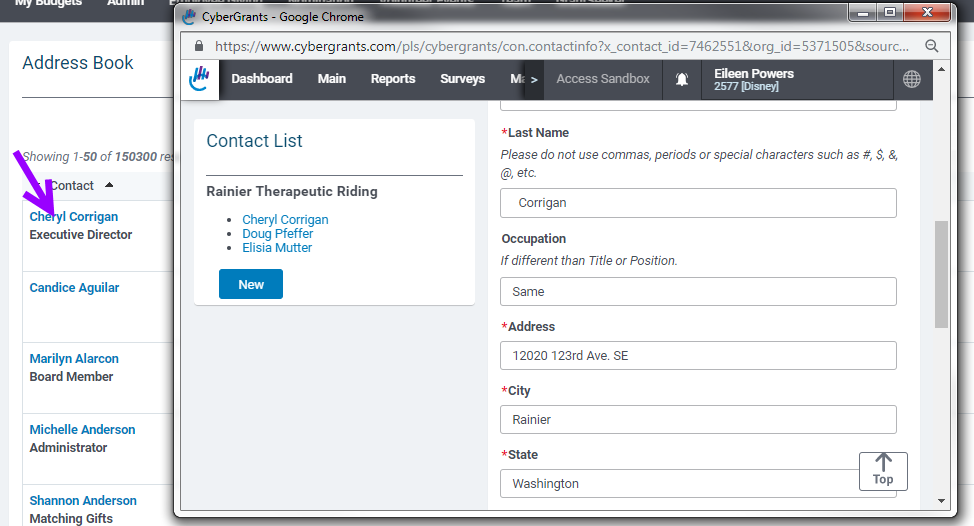
- Click the contact name in the Information Frame that needs to be updated. An “Edit Contact Information” form appears.
- Make any necessary changes in the fields provided.
- Click the “Save” button to save changes.
Delete a Contact
Click the “Delete” button at the bottom of the contact record. NOTE: If a user deletes a contact record from the Address Book, the contact record and all of its associations with organization and request records, mailing lists and mail correspondence are deleted. Be very cautious about deleting contacts from the Mail Tab.
Creating a New Contact
- Click the “New Contact” button at the bottom of the Address Book screen. A blank Contact Information form appears.
- Enter the contact information.
- Click the “Save” button.
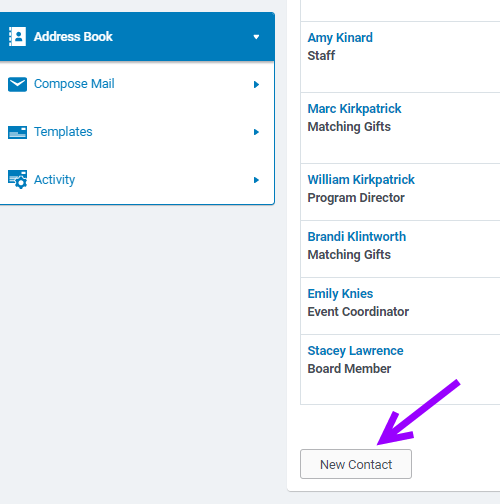
4. Enter the required fields and hit save.
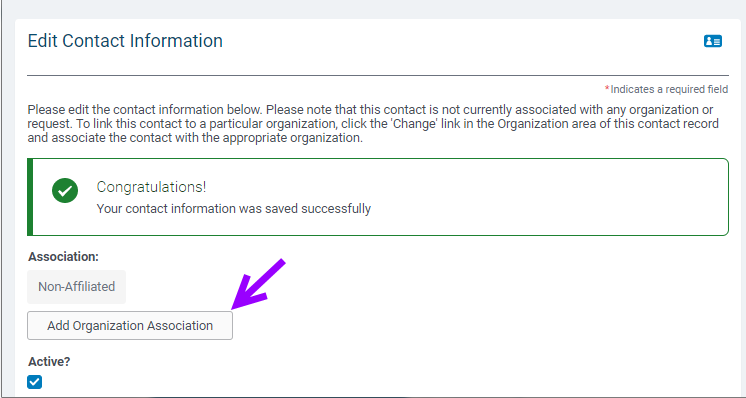
5. Click 'Add Organization Association' in order to associate this contact with an organization.
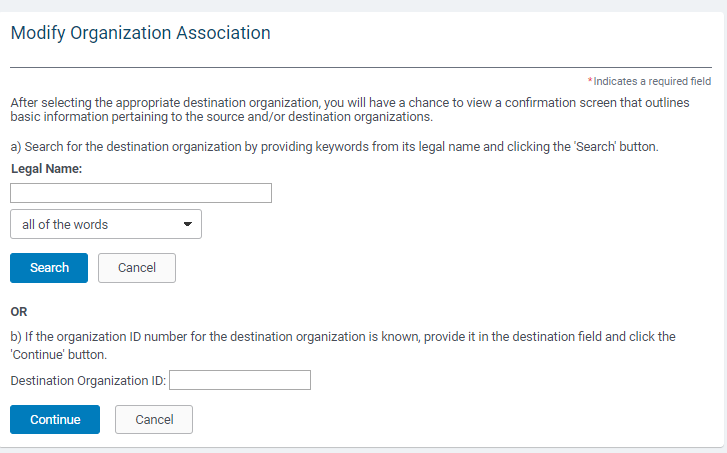
6. Search for the organization that you want to associate this contact with. You can search by the organization legal name or an organization id.
7. The organization information will come up and you will need to review the information and make sure it is the correct organization that you want to associate the contact with. Click ‘save’ to continue.


