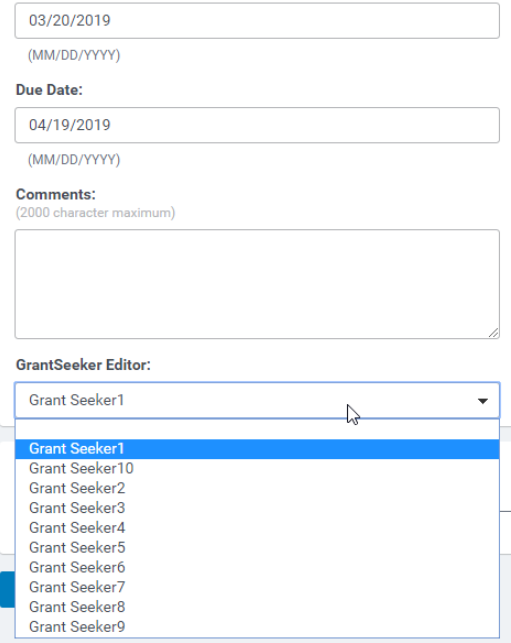
During the life cycle of a grant and the subsequent impact reports, your non-profits will experience staff turnover. This has an effect on the NPO's ability to complete an impact report or make changes if the request is returned if the person assigned is no longer with the organization.
The grantseeker Editor field can be found in the default section of a request. Simply select a name from the field and then "Save All."
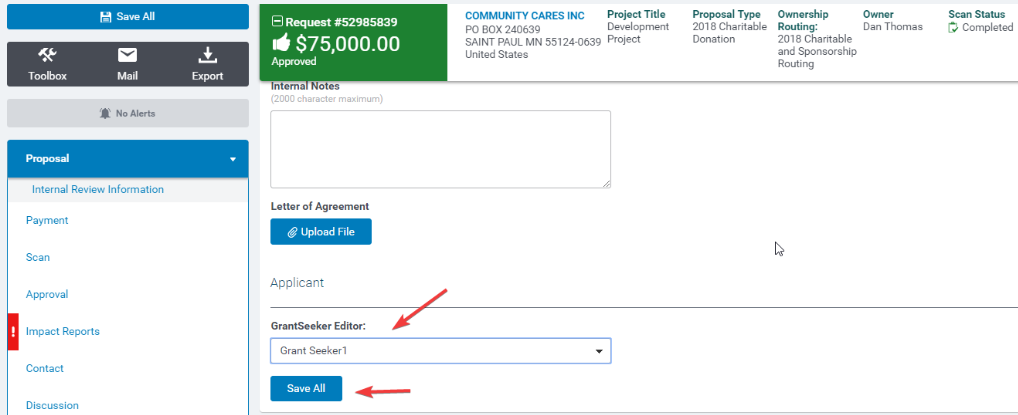
To change a grantseeker assigned to an impact report, go into the request record.
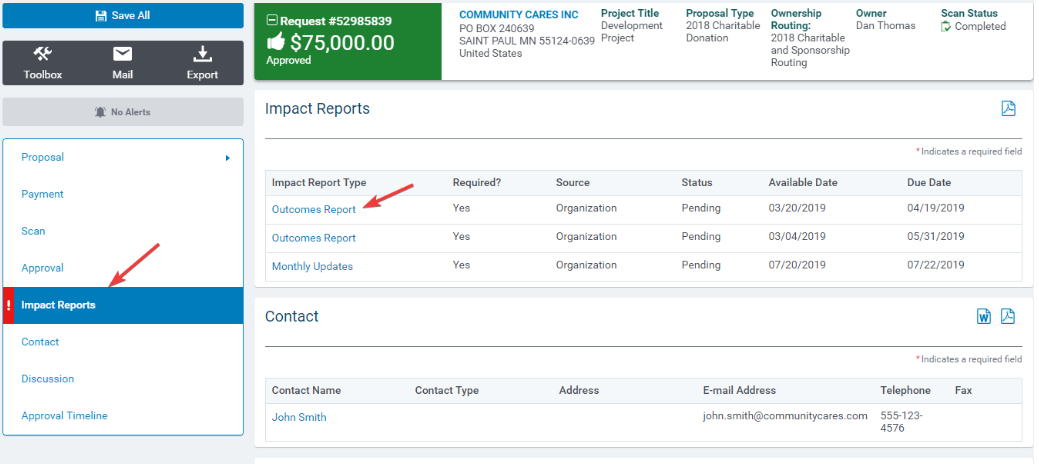
Click into the impact report, scroll to the bottom and click on the grantseeker editor field to reassign a grantseeker editor. Click Save.