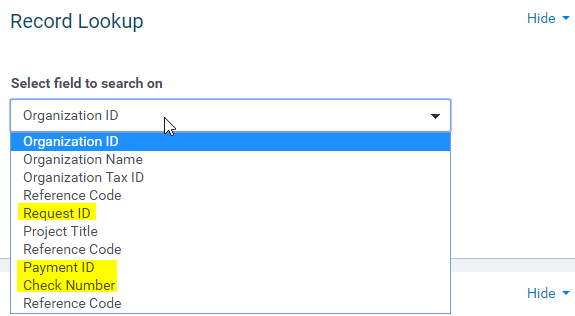
If a payment needs to be voided you need to have at least one id (Request, Payment or Check) to access a payment in CyberGrants. On the Dashboard Tab in the Record Lookup Portlet select one and then enter the id:
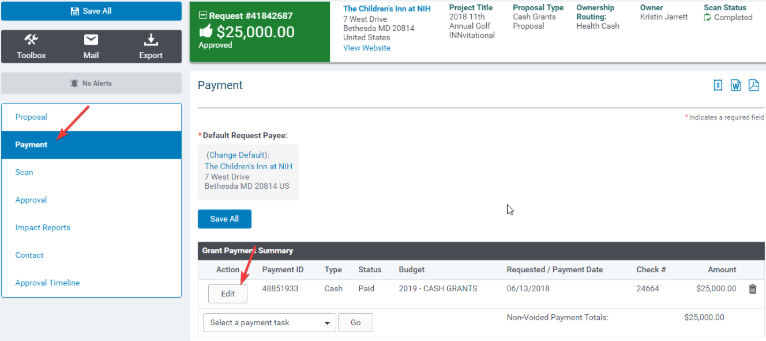
In the request record, select "Payment" from the side navigation and then select "Edit."
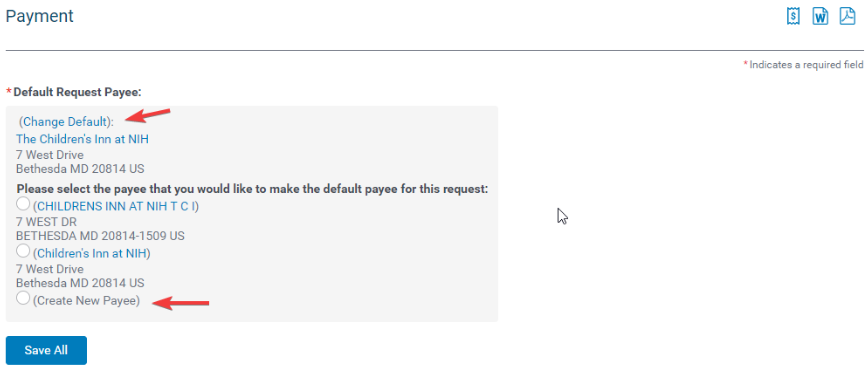
If the current default payee is incorrect or needs to be updated, first "Change Default" and create a new payee before selecting "Edit."
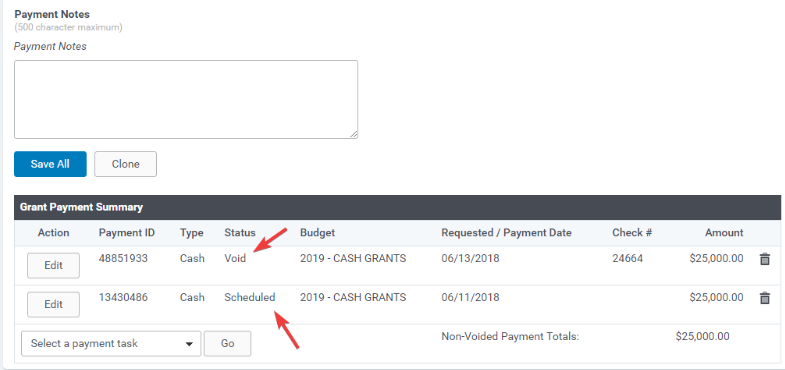
Select "Void and Reissue"
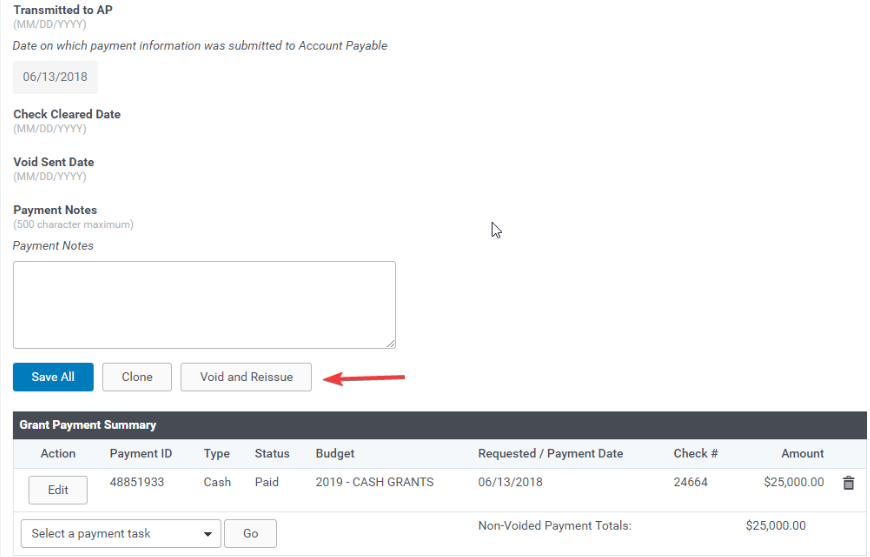
A new payment is created and the original one voided.
Note: You will need to have permissions to schedule payments against the budget line and year in order to complete the reissue.


