Change Owner
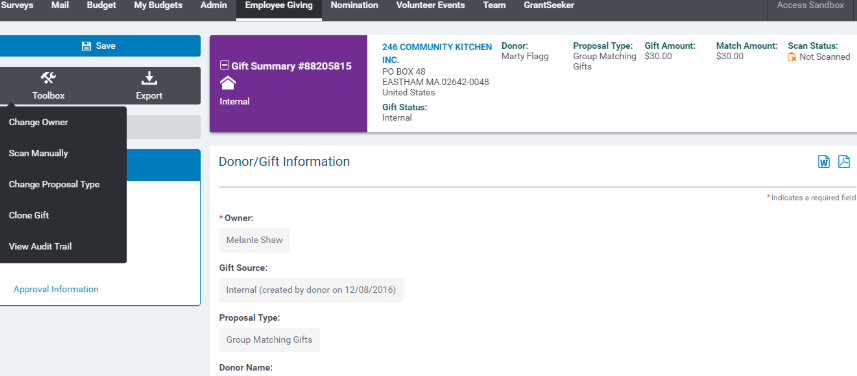
To change the request owner, click on Toolbox> Change Owner
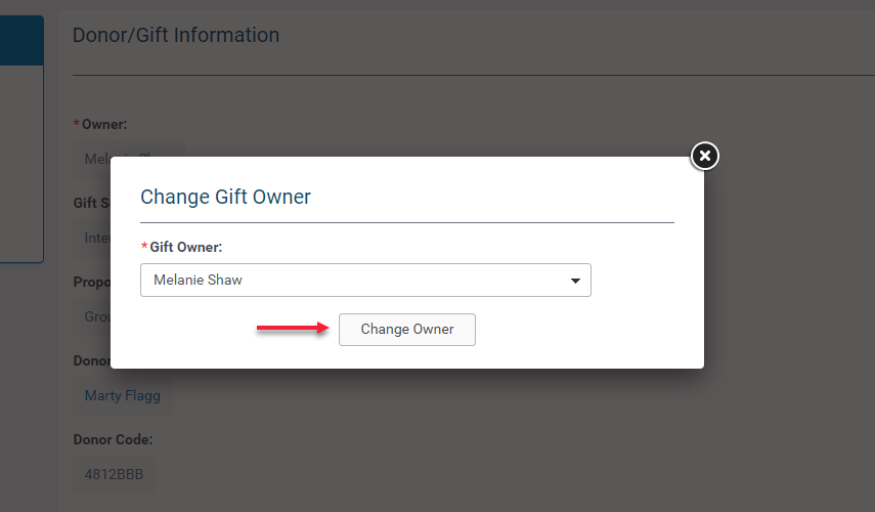
Select the new gift owner from the drop-down and click Change Gift Owner
Scan Gift Manually
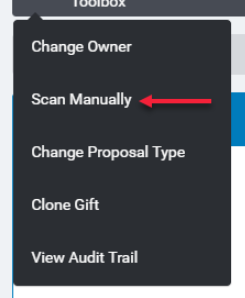
Click "Scan Manually" to kick off the watchlist scan
Scan Status is visible top right:

Change Proposal Type
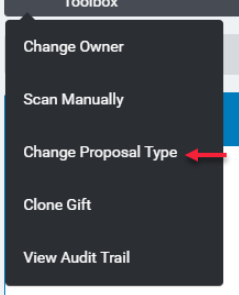
Open a gift on employee giving tab. To change the proposal type, click on Toolbox> Change Proposal Type.
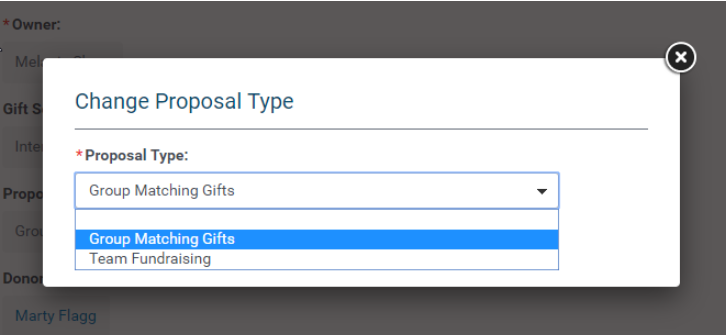
Select the proposal type from drop down menu.
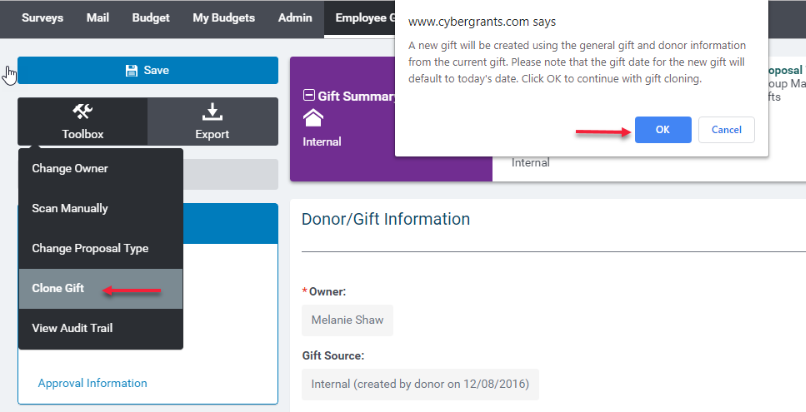
Clone Gift
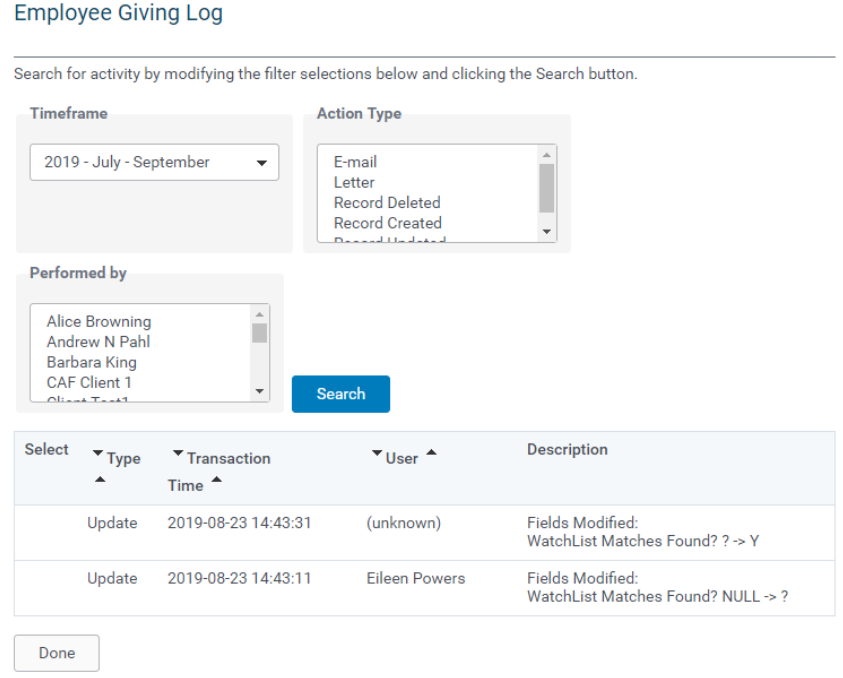
View Audit Trail