New Organization
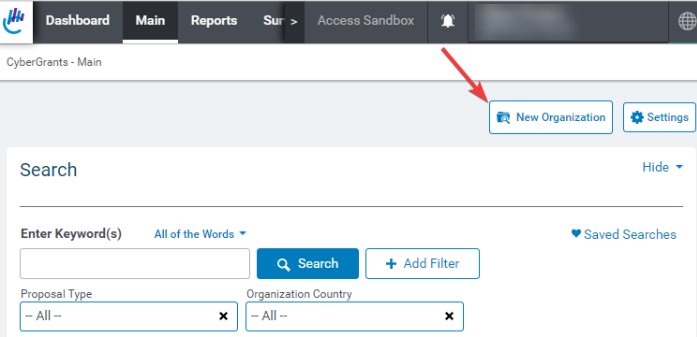
To create a new Organization Record, click the "New Organization" button on the Main Tab.
CyberGrants displays the “New Organization Search” screen. Here you can search for existing organizations or create a new organization from scratch.
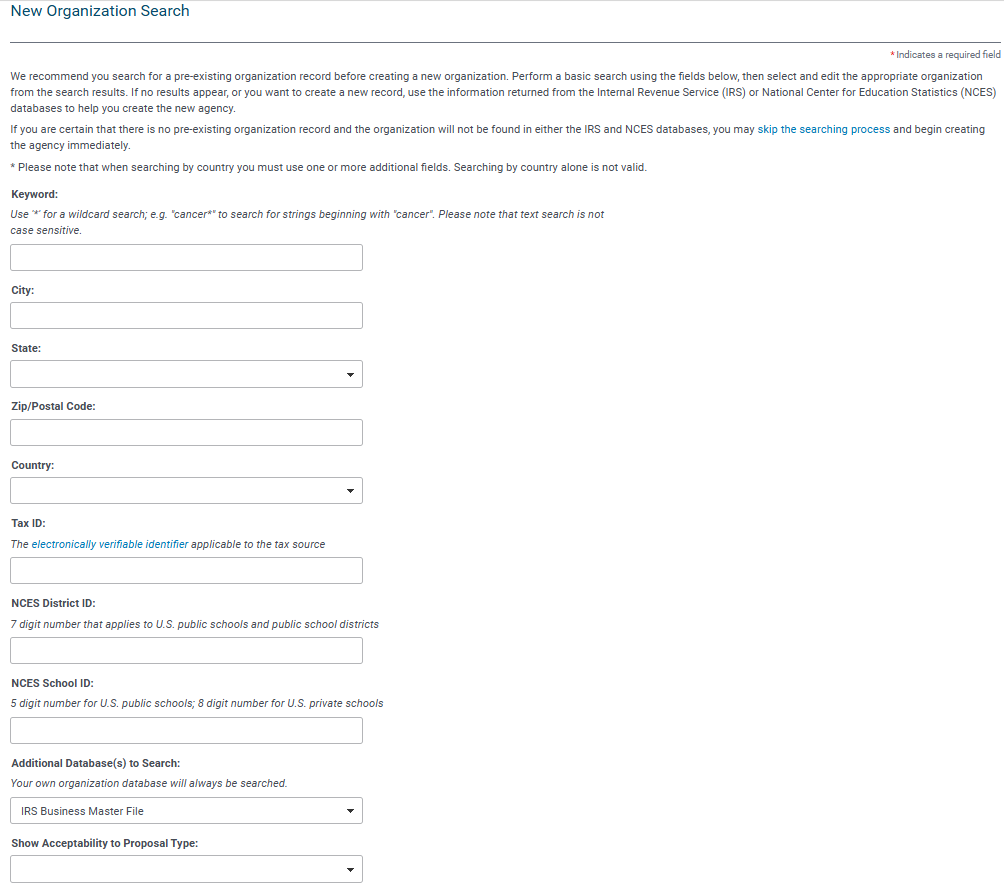
CyberGrants recommends that you search for the organization by typing in its name in the Keyword field before creating a new organization. Performing a search for the organization can verify the tax-exempt status, saves the user from entering the legal organization information, and reduces the potential to create duplicate Organization Records. To skip this search process, click the “Skip Search” button.


