Click on “Mail” to display links to the following functionalities:
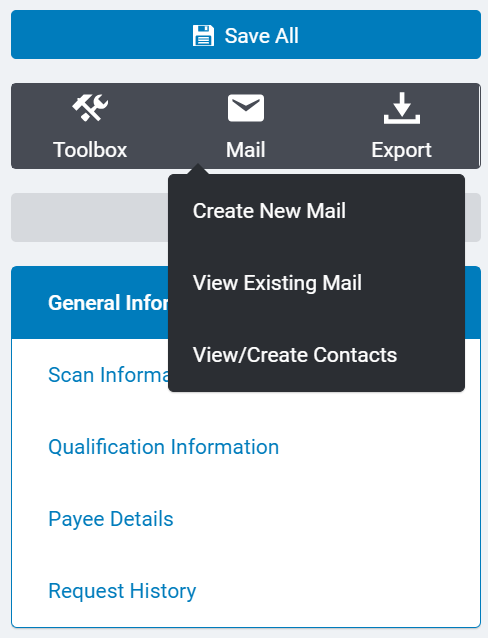
- Create New Mail allows a user to create a letter or e-mail message to send to the organization or request contacts. (See the Mail Tab in this manual for more information about creating letters and e-mail messages.)
- View Existing Mail allows a user to view the system mail correspondence associated with this organization.
- View/Create Contacts allows a user to view, create, and edit the information for all contacts associated with the organization. An organization may have an unlimited number of contacts associated with it.


