The Discussion functionality is a useful way for internal users to communicate with other users.
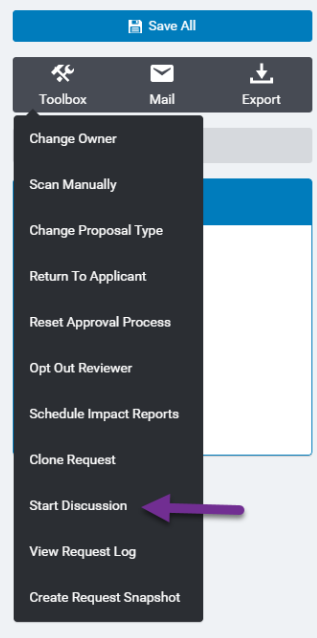
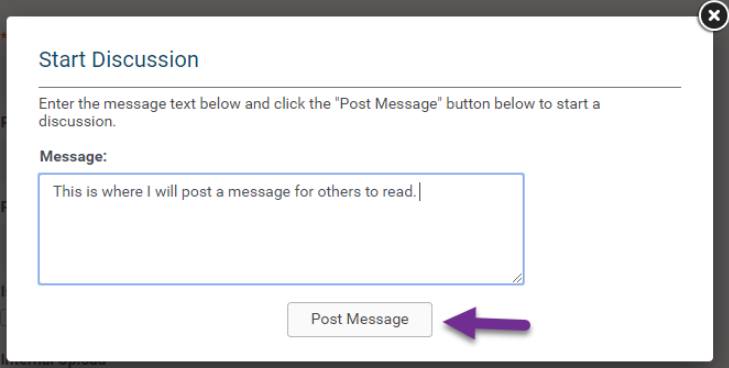
To start a discussion within a Request or Organization Record:
Toolbox - > Start Discussion
By default, users with the security level of basic, strict basic, budget, and administrator can start a discussion within a request. Anyone who has visibility of the request can add to the discussion thread. A user can delete their own replies to the discussion. Nobody else can delete discussion replies, not even administrators with the highest privileges.
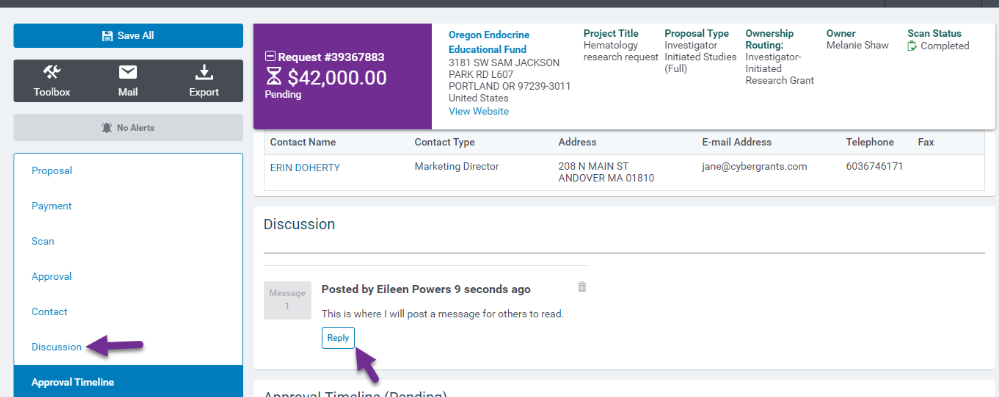
After posting a message, a link to the discussion will now display in the side navigation:
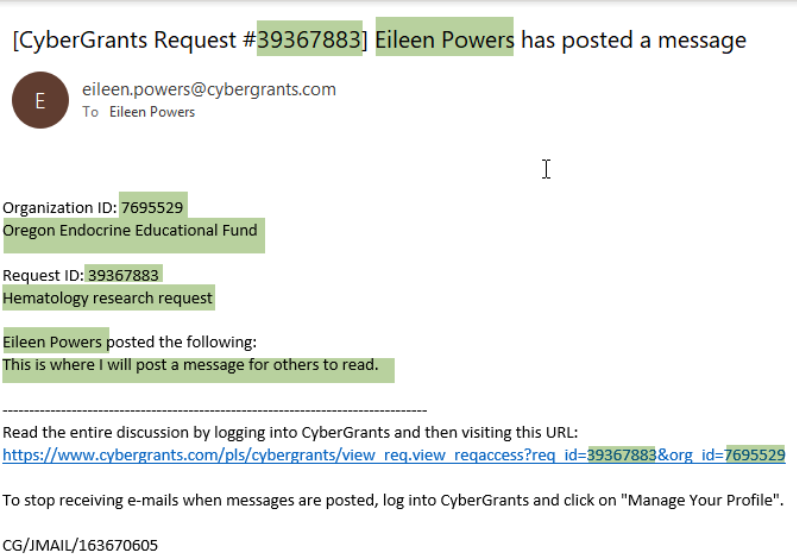
For every added discussion comment, an email notification goes to all users (whether it be one person or multiple people) in the thread, PLUS the request owner, MINUS the current user posting. This notification is not configurable/customizable. It is the same for all CyberGrants users across all clients.
In the example below, the highlighted text is merging in the request ID, the user’s name, organization ID, organization name, proposal type name, and discussion reply text in appropriate places.