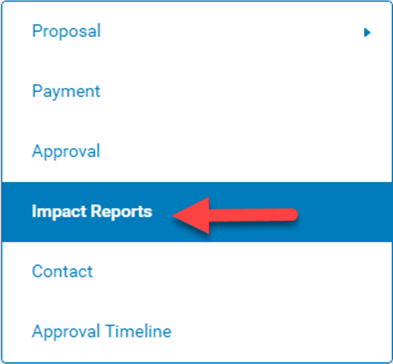
To return an impact report to an organization, click into the request record and click on the "Impact Reports" link. (Note: the sections for your application might be different than that listed below).
Within the impact report section, click on the link under the Impact Report Type column to open up the impact report.
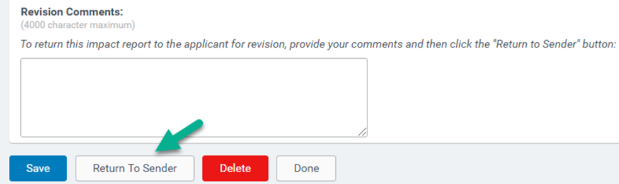
At the bottom of the impact report page, enter Revision Comments for the organization into the text box, then click on Return To Sender button.