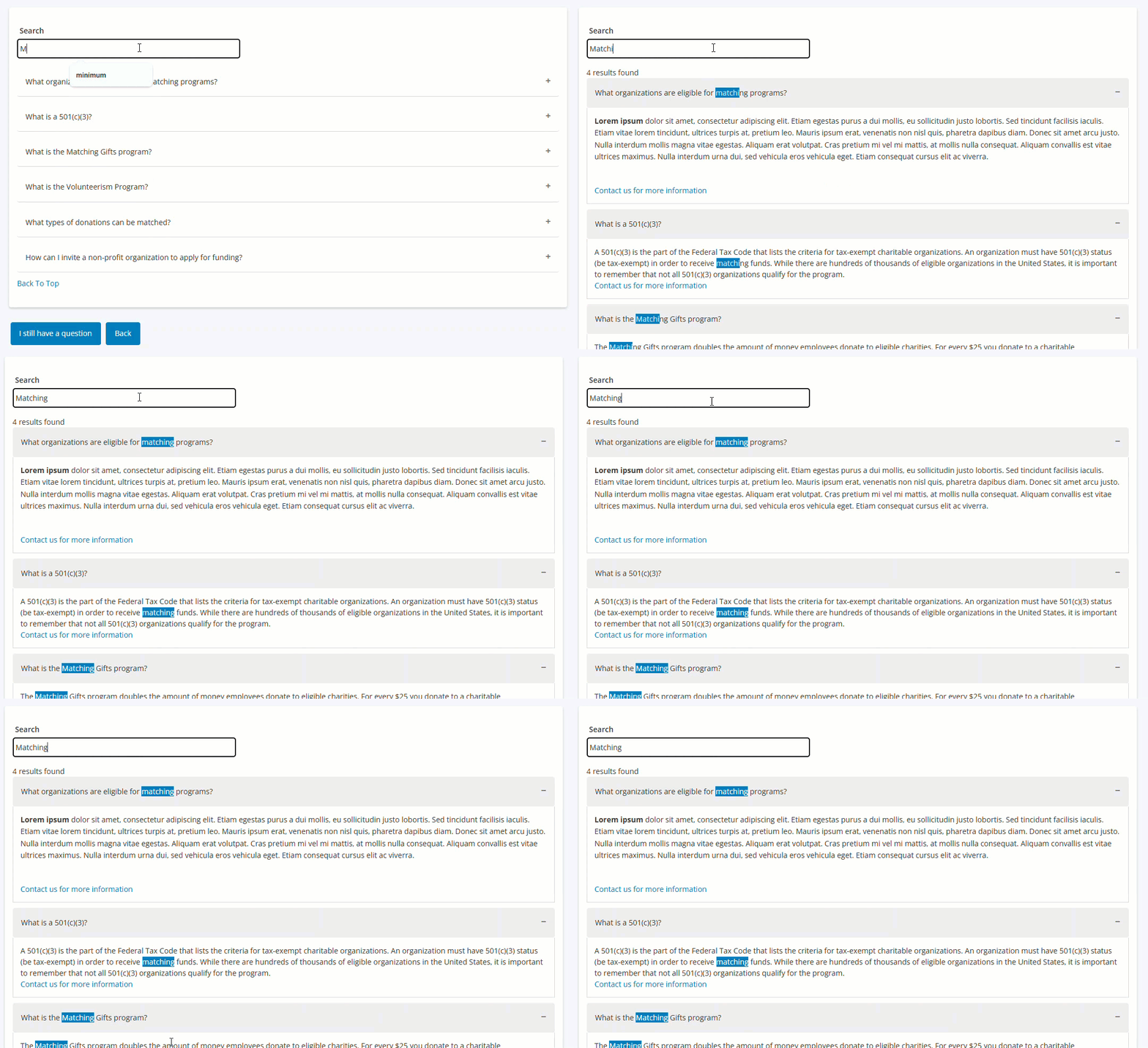
The employee engagement FAQ Portlet displays support questions that were previously only located in the “Need Support?” link at the footer of the page. Users can search by keyword to more easily find answers right from the main site.
This portlet has the same behavior as its NPO equivalent. It will either display all support questions that are default or display only the questions for configured (advanced settings) proposal types.
 Configuration Note
How to add and configure this portlet:
Admin > Donor Portal > View/Edit Portlets > FAQ
Standard portlet configuration rules apply for description, Introduction Text, and Footer Text.
Recommended configuration is on a portal page with all support questions. It can be configured to display program-specific questions that only display in a program specific portlet. To limit the questions that display, use the Advanced > “Proposal Type ID to which content should be limited” parameter to list the ids of proposal types’ questions to display. Portlet will display any “default” question plus the proposal type specific questions.
The portlet will display questions and answers based on the configuration here:
Admin > Employee Application Configuration > Support Areas


