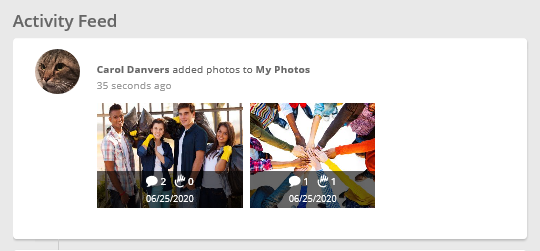
Social Capabilities to Increase Employee Engagement
CyberGrants' social capabilities have a strong focus on team activities that will align with your CSR goals and inspire employees to engage even more through some friendly competition.
- Consult with CyberGrants Before Launching
We recommend that administrators meet with their CyberGrants client management teams before launching these social capabilities. Making the most of the functionality requires adding a new "team" concept and the setting of goals to your existing HR feeds. A strategy session with client management to discuss how you want to organize your employees into teams and give them goals will ensure a smooth launch of the social features.
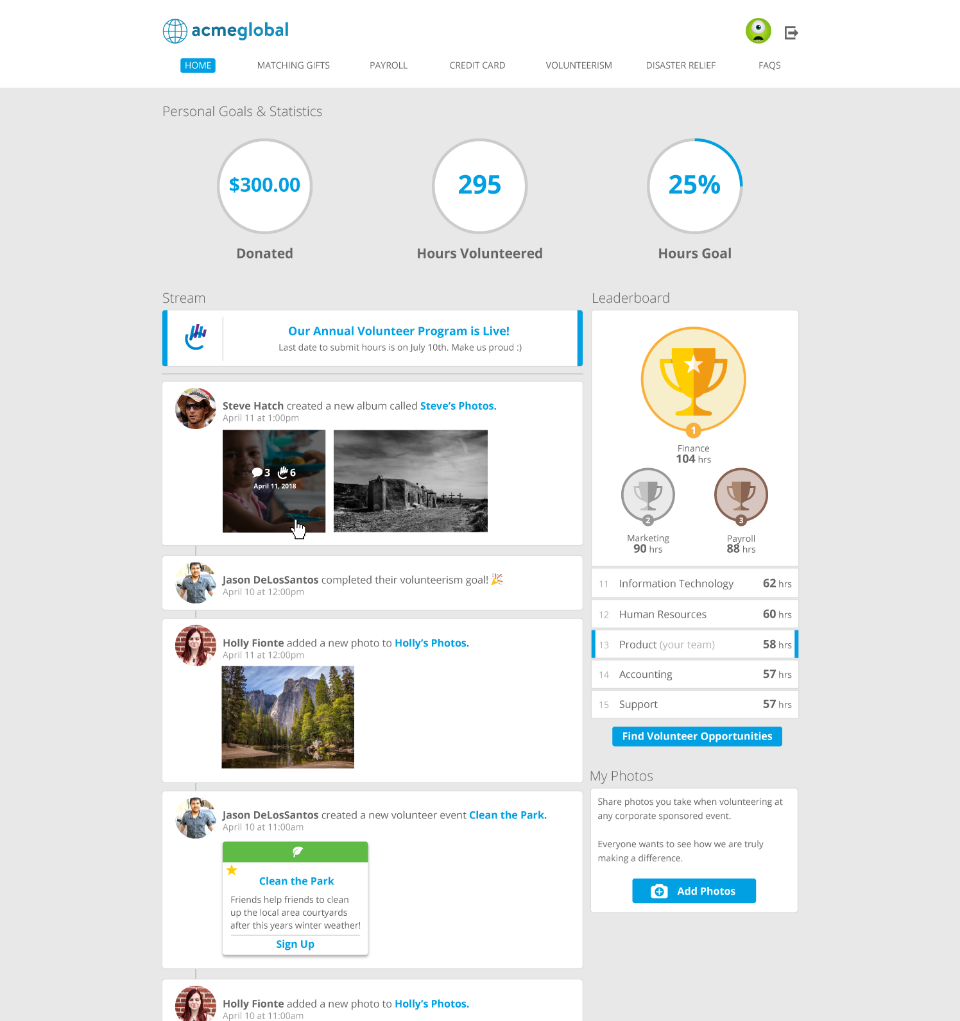
Overview – Social Page
The page layout option centralizes the display of the key online components of your social program. We understand that a truly compelling experience needs to be able to follow your employees wherever they go - including outside the office - and so we have made sure that it looks great on both a desktop and mobile device. All capabilities are available regardless of the device they use to access the social content.
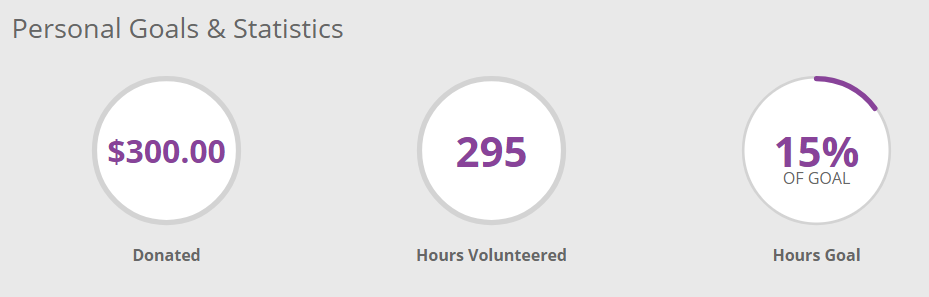
Personal Goals & Statistics
The existing Personal Goals & Statistics portlet allows your employees to set goals for themselves:
Activity Feed
Activity Feed entries provide employees with a view of the CSR efforts that are occurring in your company. It is a great location to display all the great stuff that is happening within your programs.
By default, the activity feed will display all activity throughout the company in chronological order. If your program uses teams, an employee will be able to filter activity feed posts to see ones only created by their team. Activity will be displayed up through the past 30 days, and up to 4,200 posts at once!
Each Activity Feed entry will contain the employee avatar (if applicable) and a brief summary on the activity that has occurred. Some will allow additional interaction.
All posts are active as soon as the Activity Feed portlet is made active, except for manually entered Internal Admin posts.
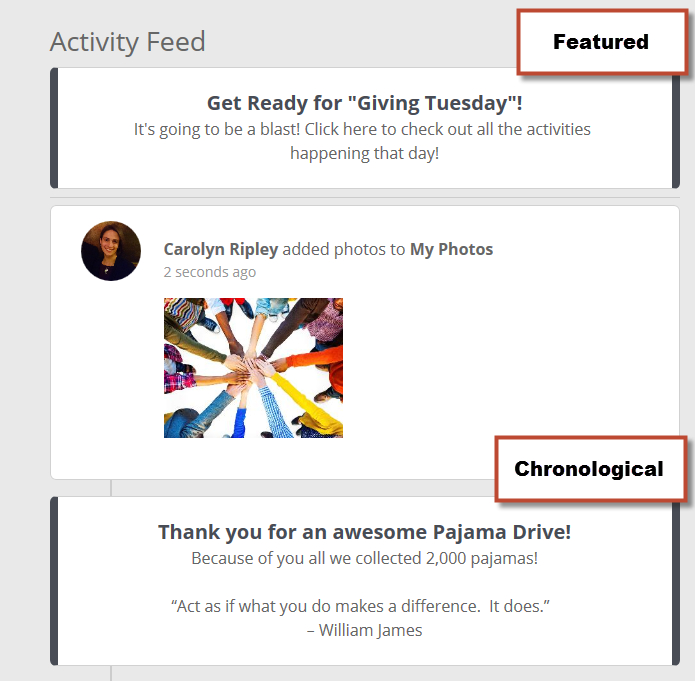
Administrator Post (Chronological and Featured)
Administrators can create messages from the Internal Administration portal to display within the Employee Engagement portal to notify all employees of company information related to volunteering. Posts can either be displayed chronologically in the feed with other posts, or flagged as Featured to appear at the top (ordered by show date descending).
Additional Options:
- Personalize these Administrator messages with special images to differentiate content, by adding your own images (must provide to CyberGrants to load into your image library Activity Feed category).
- Add a URL to link to other CyberGrants pages or outside websites
 Configuration Note
Administrators (with Employee Application Configuration permission) post from Admin > Employee Application Configuration > Social Activity Feed. Every post must have a start and end date, after which it will no longer be displayed. It can also be toggled active/inactive to allow for finer control of when the message is displayed.
Activity Feed - Mobile Viewing
The number of high fives and comments display right on the image while viewing the activity feed on mobile devices.