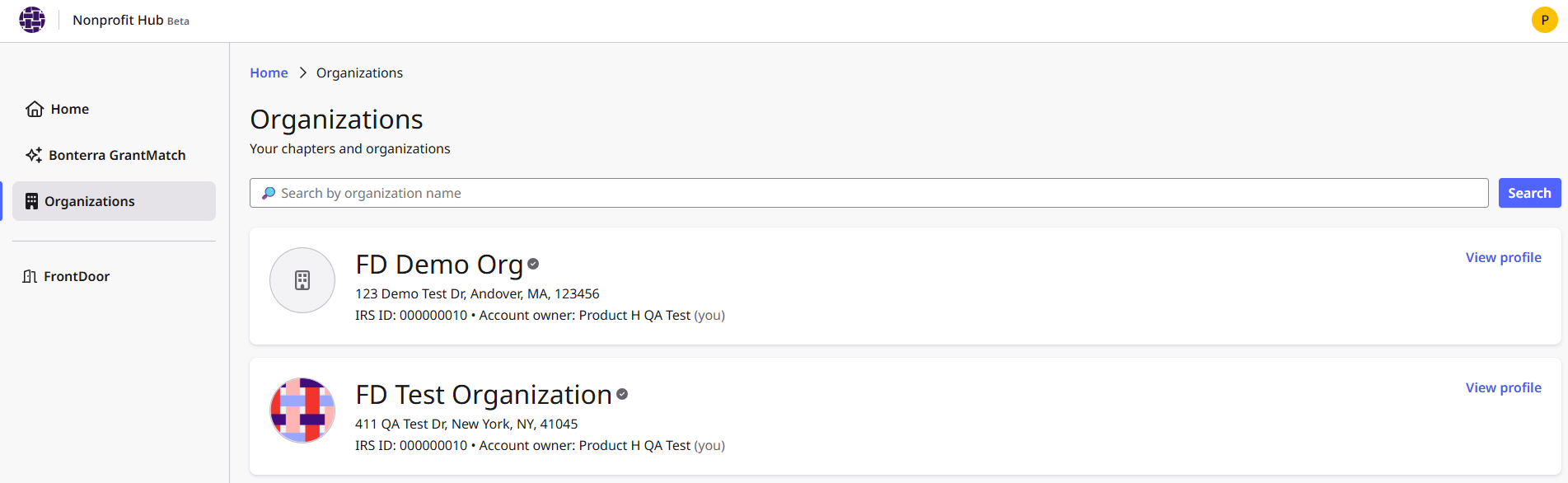
FrontDoor provides nonprofits with the ability to manage their donations and payments in a centralized location. FrontDoor is accessed by nonprofits via SSO through the Bonterra Nonprofit Hub.
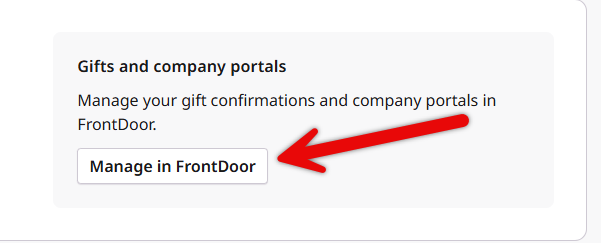
- User registration, including claiming organizations and requesting access to a verified organization, as well as managing contact and payment information, are actions now handled through the Nonprofit Hub.
- Nonprofits must claim their organization in the Bonterra Nonprofit Hub to access FrontDoor features. The Nonprofit Hub registration process requires the nonprofit to provide an IRS Determination Letter, a bank letter or void check, and information about their role in the nonprofit organization.
If the applicant does not provide the proper information, a Bonterra support team member may reach out to the applicant to request the information/documentation.
Ownership applications submitted through the Nonprofit Hub will be reviewed by Bonterra staff and approved or rejected, as was the process when this was managed through FrontDoor. Once verified, nonprofits can access FrontDoor via SSO from the Nonprofit Hub to confirm gifts, view payment history, and access company portal connections. Nonprofits can now view associated Users (Grantseekers) in the Nonprofit Hub, along with their organization’s payment preferences and profile information.