Once an organization has been claimed in the Bonterra Nonprofit Hub, users can begin adding organization records to the Company Portals console, which is accessed through FrontDoor via SSO.
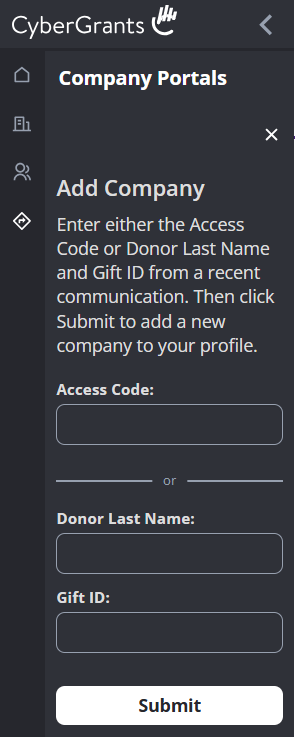
Note: New users will not see any company portals. However, they can add them by entering a combination of a Gift ID and the donor's last name or by entering an access code.
As with the Organizations tab in the Nonprofit Hub, if the Tax ID field is not present on the client-maintained Organization Record, users will not be able to claim or add the record. Once the record is updated to include the Tax ID, users can complete the claim process. Requests for assistance regarding this issue will be handled by FrontDoor support (frontdoor@cybergrants.com).


