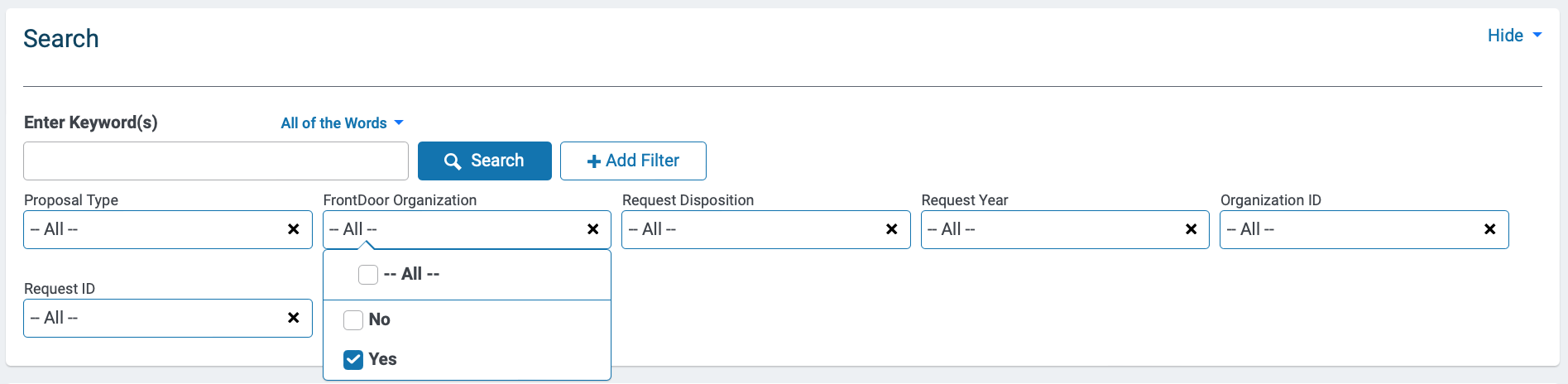
The 'FrontDoor Organization' dropdown menu is available on the Main tab as an additional search filter to identify organizations enrolled in the new Bonterra Nonprofit Hub. Selecting Yes in the dropdown menu ensures that your search results only include organizations using the Nonprofit Hub.
To filter your search results for organizations enrolled in the Nonprofit Hub:
- Under the Main tab, view the Search panel.
- Click the 'FrontDoor Organization' dropdown menu. Menu options are displayed.
- From the options, select the Yes checkbox. Proceed to add additional filters, as necessary.
- When you are ready to return search results, click the Search button. Your search results are returned.