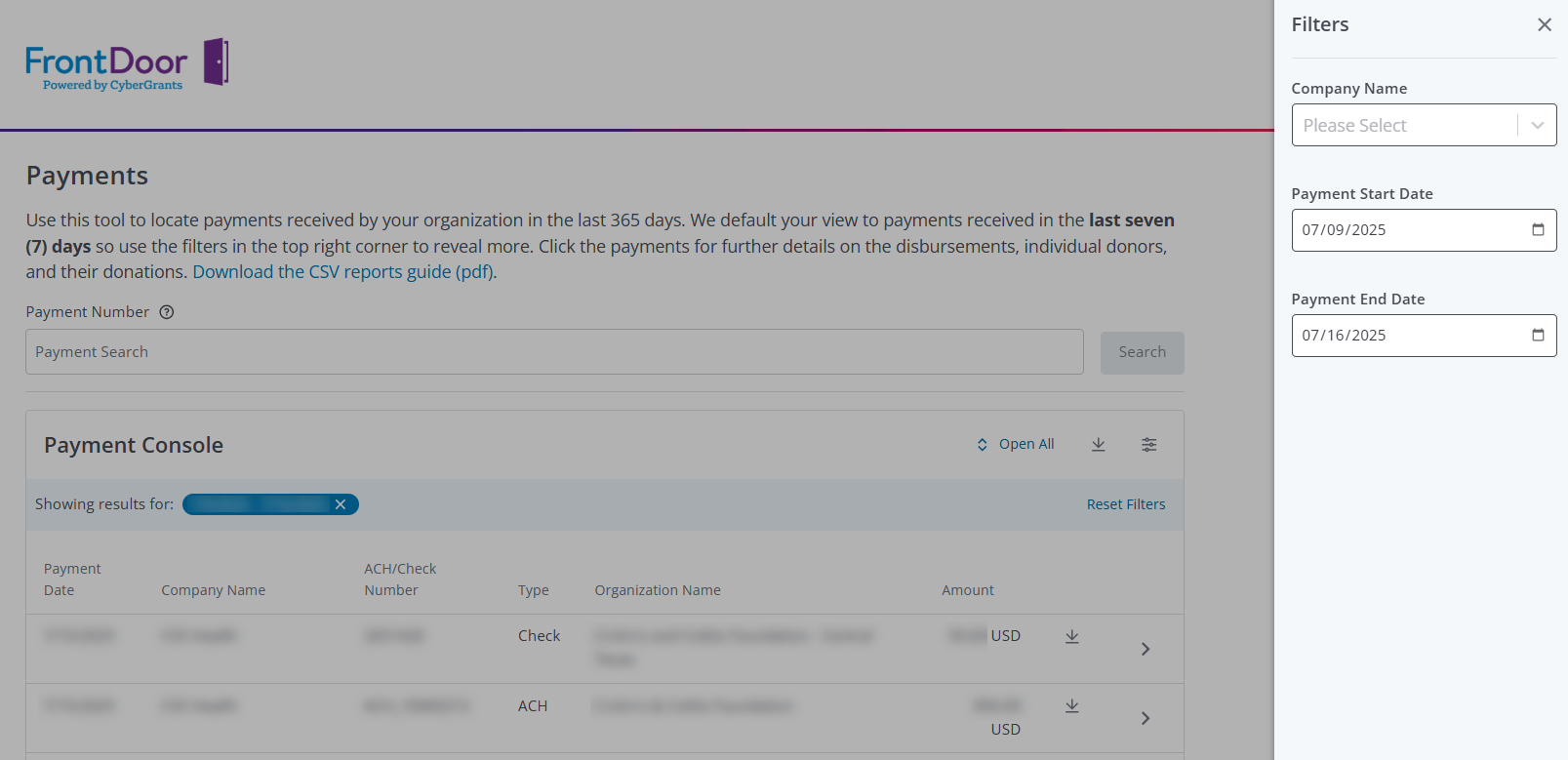
Nonprofit users with administrative permissions (assigned in the Bonterra Nonprofit Hub) can access their organization’s payment history across all associated clients in a centralized location via the Payments Console in FrontDoor (see Figure 1.)
Users can filter payment history by a timeframe and a company name. Each payment line includes the following information:
- Date the payment was made
- Name of the company that submitted the payment
- ACH or check number
- Payment type, if applicable
- Name of the organization that received the payment
- Amount of the payment received by the organization