The Log Hours portlet provides the log hours flow to the employee. This is optional as there is a Log Hours button available on the Dollars for Doers portlet, and should only be completed if there needs to be a separate Log Hours portlet.
To add a Log Hours Portlet, view Part 5: Configure a Log Hours Portlet (Optional) of the Dollars for Doers Program Configuration Guide.
View Dollars for Doers Log Hours Button to learn more about the Log Hours button
Where Will I See the Log Hours Portlet in the Donor Portal?
Typically this portlet will be housed on the same page as the Dollars for Doers portlet, which, by default, is the Volunteer page.
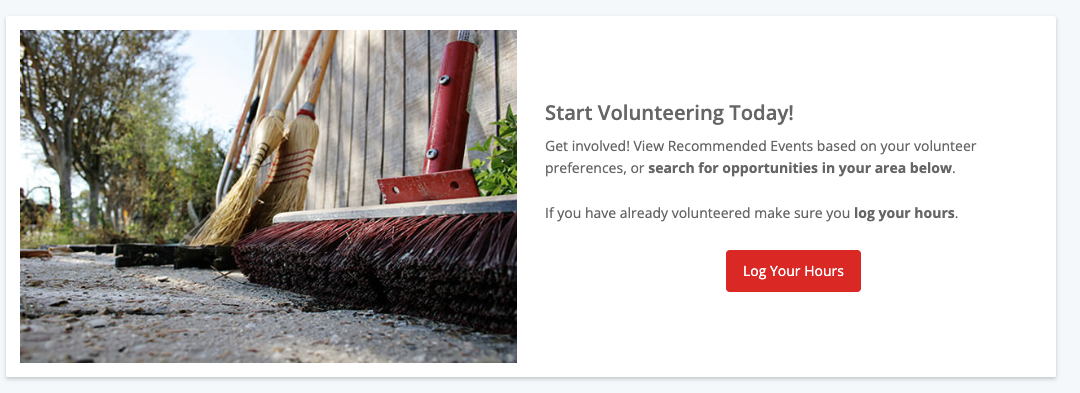
- Title
- Intro Text
- Image
- Button text


