The Survey Navigation Frame contains information and tools to assist with managing the survey information.
Navigation Frame
Summary Panel
The Survey Summary Panel at the top left of the screen in the Navigation Frame lists the Survey ID number assigned by the CyberGrants system, the Site Visitor Name, the Survey Owner, and the Survey Type.

Navigation Panel
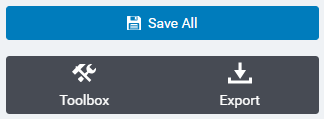
Below the Survey Summary Panel is the Survey Navigation Panel, which contains the “Save All” link, the Survey Toolbox, and Export.
Survey Toolbox
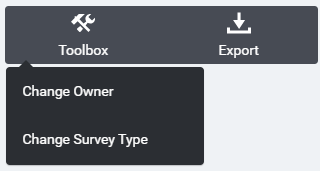
The toolbox allows a user to change the survey owner or survey type.
Export
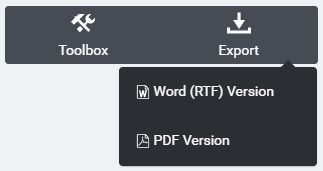
The export features allow a user to create a Word (RTF) or PDF document containing the sections displayed in the Information frame.