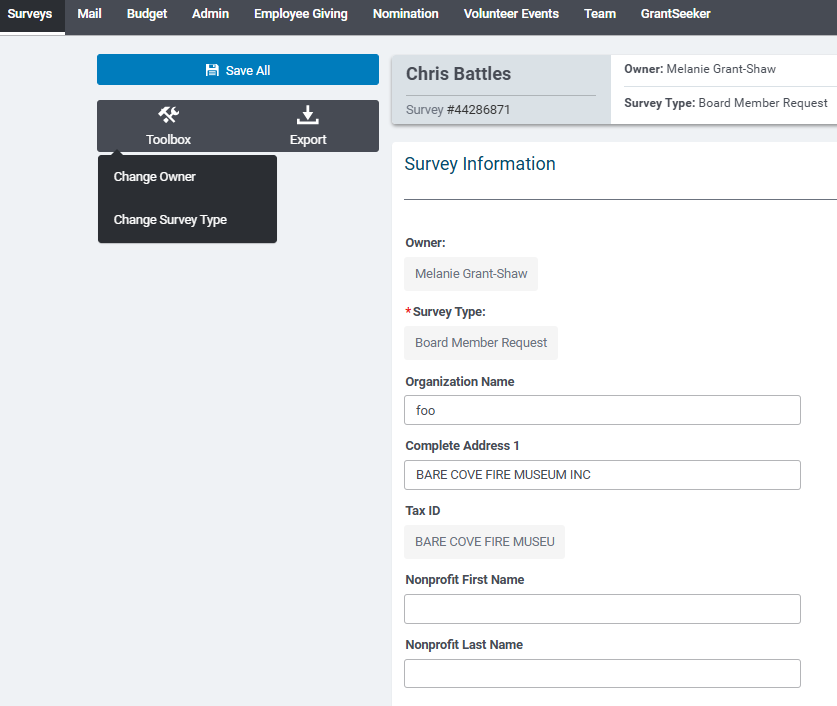
Users with access to the Surveys Tab can review individual Survey responses by clicking on a Site Visitor Name link. If the respondent completed a survey, the user sees the site visitor’s responses to the survey questions at the top of their screen in the Survey Information section. Users with the appropriate access level are able to edit these fields.
NOTE: If a Survey Type does not include the standard Site Visitor Name fields, the Site Visitor Name column displays as ‘(Anonymous Site Visitor)’. Additionally, site visitors who completed an eligibility quiz and did not complete a survey will be displayed as ‘(Anonymous Site Visitor)’.