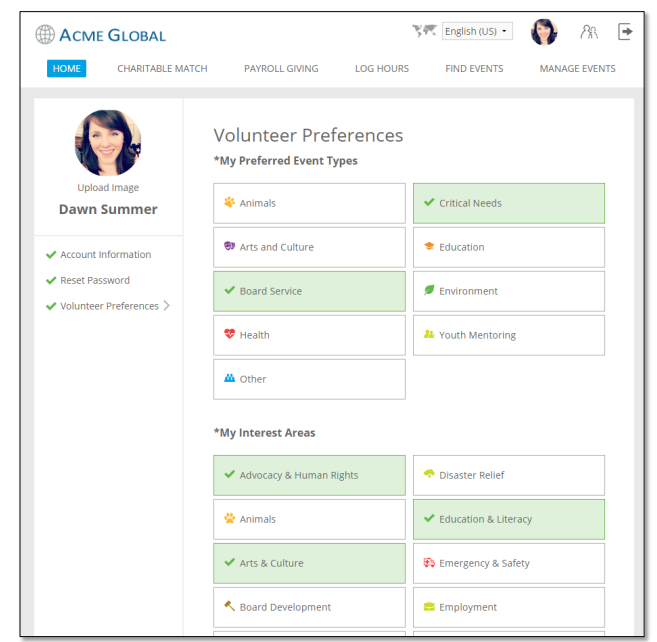
My Preferences
Donor profile fields are organized into a section called "My Preferences". Passwords are maintained in another new section called "Reset Password". Navigation on the left-hand side makes it easier to see which sections have work that needs to be performed in them.
The "My donation History" portlet displays, by year, a donor's donations and corresponding matches.
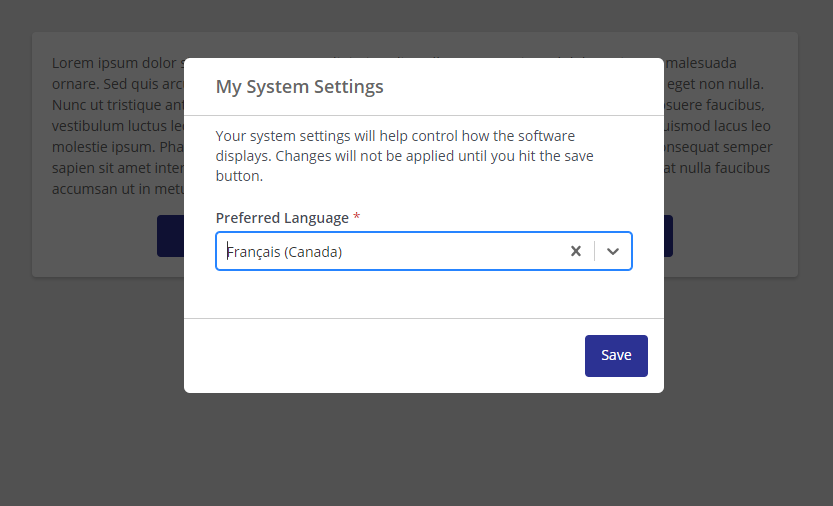
All users will have a "My System Settings" area that will contain CyberGrants system settings (not configurable). Currently, it contains the Preferred Language.
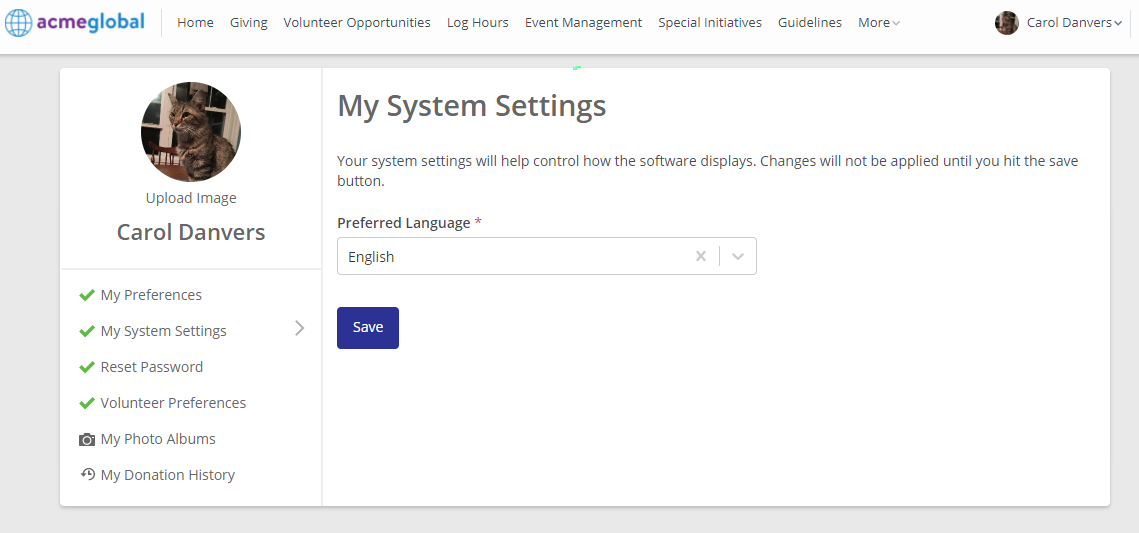
If only one language is available to users, that value will display here as read-only.
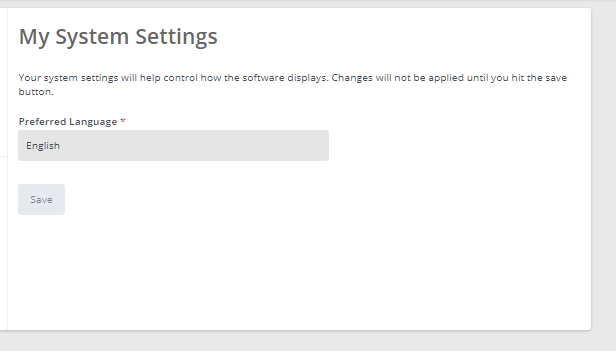
Admins can see and change the donor’s preferred language on the donor record (if multiple languages available), and create an ad hoc report on this value.
Changing Languages with My System Settings
With My System Settings, only the login page that is accessible prior to logging in will have a toggle to change languages, if available. The languages are now also displayed in the actual languages.
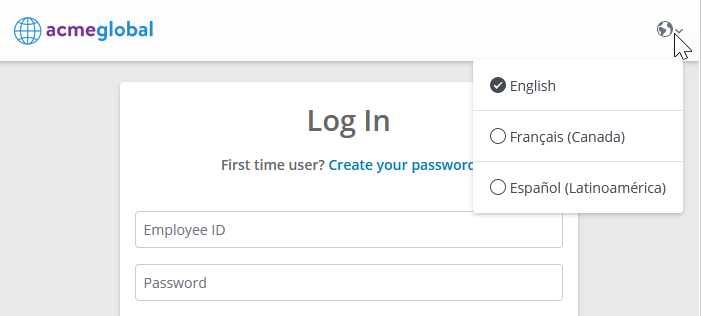
The experience for changing languages upon login has been updated. The first time a user logs in, if a site offers multiple languages, the user will be prompted to confirm their Preferred Language for browsing the site.
If the user isn’t logging in manually (such as through SSO), the prompt will first attempt to use the language of the browser to display the page and prompt. If that isn't available, then it will then attempt to use the base language. For example, if the user's browser is configured to French Canadian, and the site allows for French Canadian, the terms and prompt would be French Canadian first. Conversely, if the user's browser was configured to use Russian, but only English and French were available, then the prompt will be presented in the base language of English.
In case that a language is no longer offered in the future, users will be prompted again to select a new preferred language. After selecting a preferred language, all subsequent logins will use the Preferred Language for site interactions. The preferred language can be changed subsequently from My System Settings in the future.
Donor Avatars
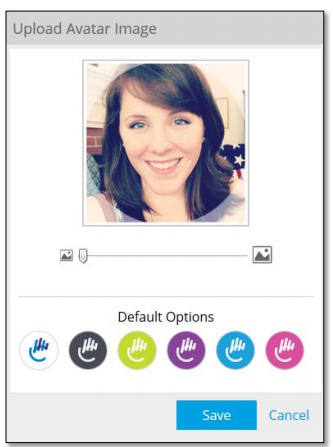
Avatars or profile pictures are found in many social networks ranging from Facebook to LinkedIn and are a great way to allow users to personalize their online experience. Donors can upload images in either JPG or PNG format, zoom and crop them within the browser, and then save them as their personal avatar. CyberGrants provides default images that they can choose from if they prefer. The donor's avatar will greet them in the header bar of their E2 website and appear on the pages of other employees with social networking capabilities.
Volunteer Preferences
Donors have varying preferences for the types of volunteer activities they perform. Their diverse backgrounds also mean that they have particular skills and interests that they take into account when considering how and where they want to volunteer. Program administrators have causes that the company wants to champion. All of these requirements are incorporated into the Volunteer Profile. CyberGrants offers a section on the profile page called "Volunteer Profile". Administrators configure the event types, skills, interests, and their requiredness that they want donors to select from. The selections that donors make here then drive what they automatically see elsewhere on the site.