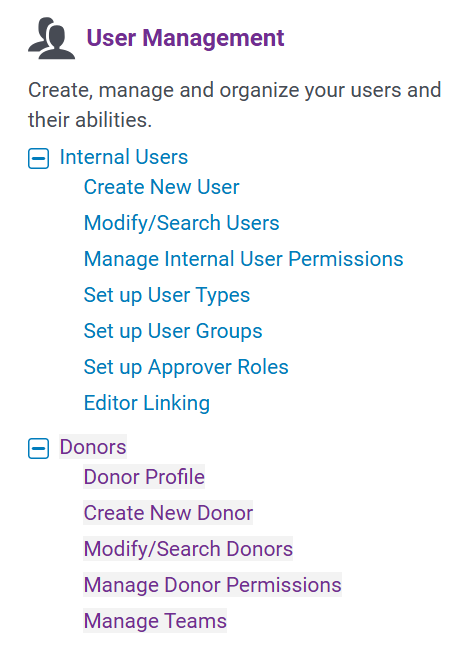
Donor Profile configuration can be found in the Donors section of User Management.
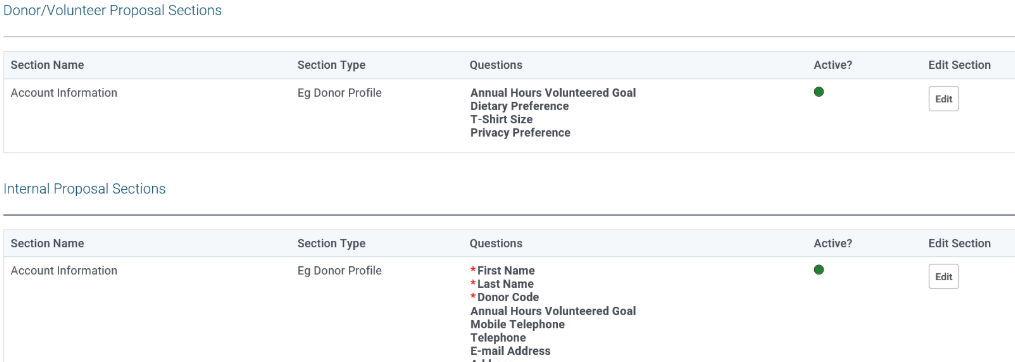
There are two core tables of information for CyberGrants. Most standard fields are in the Donor table, while additional standard fields plus all custom fields are in the Donor Profile table. You can configure which Donor Profile fields are displayed to the employee engagement site users in their profile, as well as which are visible within the Internal UI (under Modify/Search Donors, in the Donor Profile section). Only one Donor Profile can be configured, and there is only one proposal section available for the Internal UI and for the employee site.
All fields included in the Donor/Volunteer Proposal Section must be also included in the Internal Proposal Section.
Special Fields – Employee Type & Company
Two special fields within the Donor Profile are Employee Type & Company. These fields are specifically only controlled on the Donor table. If you choose to include the Employee Type or Company in the Internal section, they will only display as read only in the Donor Profile area (but remain editable in Donor area of the Internal UI). If you choose to include the Employee Type & Company fields in the Donor/Volunteer section, they will always only read only.
Special Fields – Skills, Interests, and Event Types
The following Skills, Interests, and Event Types fields are special fields that will always appear in a user’s profile in the special Volunteer Preferences area, if the fields are active, regardless of subsequent configuration. They also cannot be controlled by conditional field logic.
Conditional Field Logic
Note: While the section configuration is available for both legacy EG site and E2, conditional field logic is only available on E2 platform.
Conditional field logic is now available for most Donor Profile fields. A field must exist within either the Donor/Volunteer area or the Internal proposal section in order to be a controlling field for conditional logic. (The special fields of Skills, Interests, and Event Types remain an exception and cannot be controlled by conditional field logic).
For a detailed overview of how to use Conditional Field logic within CyberGrants, see the conditional field logic article.


