Verified Owners of a nonprofit account are considered primary users and have administrative access to complete several actions through the Bonterra Nonprofit Hub and through FrontDoor on behalf of their organization.
Through the Nonprofit Hub, Verified Owners can manage verified users, transfer ownership to another verified user, and update their organization’s profile, including payment preferences.
Through FrontDoor, Verified Owners can:
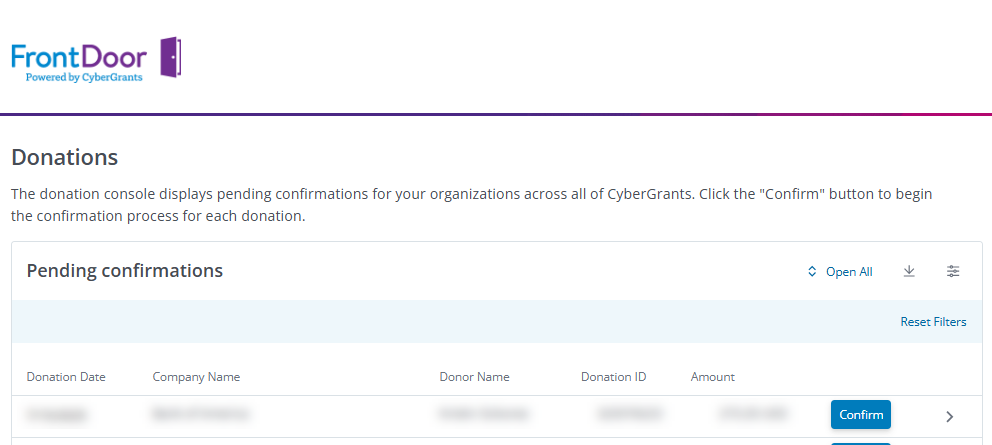
- Access the Donations Console to easily view and confirm gifts pending further action across all funder-related programs.
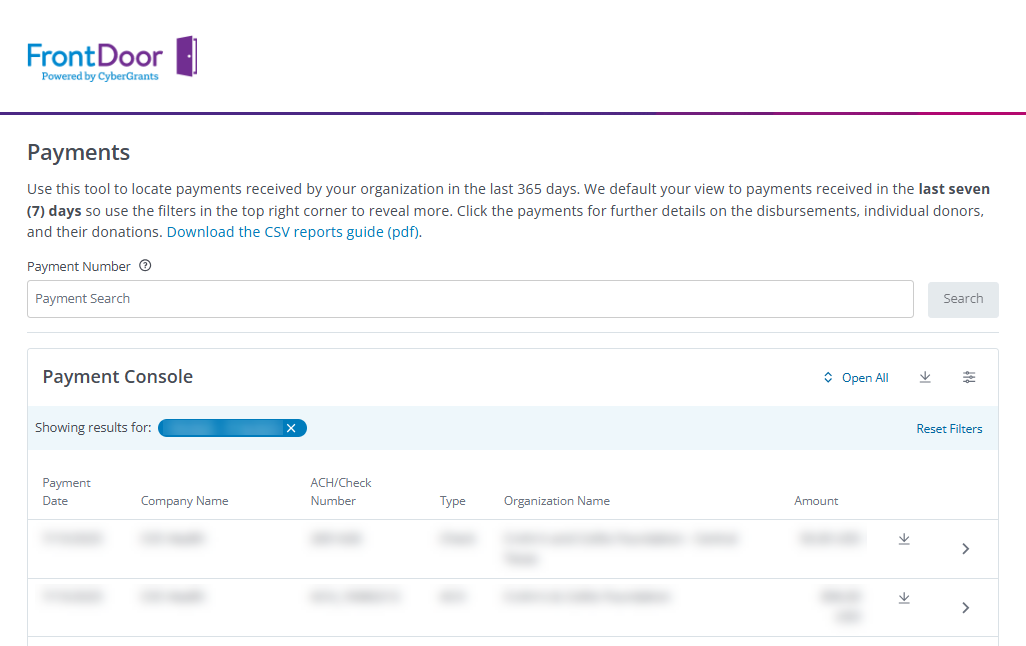
- Access the Payments Console to easily view and report on their organization's payment history.
Additional key details:
- All users must register and sign in through the Nonprofit Hub to access FrontDoor, which provides centralized, SSO-enabled access to connected CyberGrants portals.
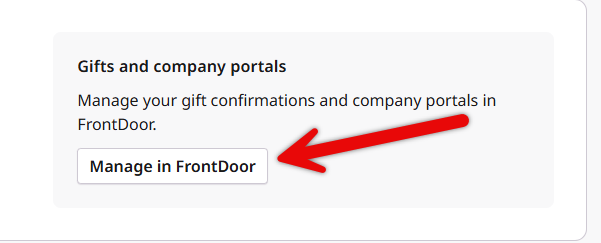
- Verified Owners can access the Donations and Payments Consoles through FrontDoor, and are responsible for managing administrator roles in the Nonprofit Hub.
- Bonterra Support can provide guidance with FrontDoor navigation and the Nonprofit Hub, but will not manage user registration, password resets, profile updates, gift confirmations, and other direct actions on behalf of an organization.
- Organizations are responsible for appointing their own administrators, and accounts can only be claimed once; additional users must request access from the Verified Owner through the Bonterra Nonprofit Hub.
For full guidance on user management, profile updates for nonprofit accounts with access to FrontDoor, and other details about the Nonprofit Hub, visit the Nonprofit Hub Help Center.


