Select a combination of Geographic Regions (Country, State, County, Zip Code), Nonprofit Status (IRS tax exempt statuses), and NTEE Codes (Nonprofit classification) to control the list of organizations that are displayed when employees are searching for organizations related to a specific proposal type.
To configure Organization Search
- Under the Program Configuration tab, click the Donor Setup tab.
- Under the Donor Setup tab, click the Organization Search hyperlink.
-
In the Eligibility Requirements section, click the View/Edit hyperlink next to Geographic Regions (see Figure 1.)
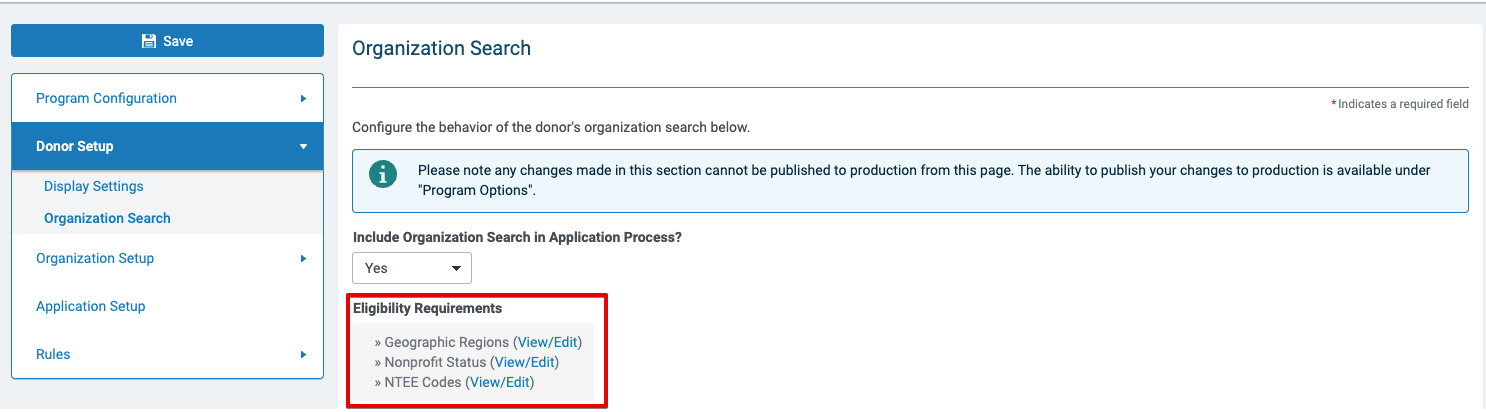
Figure 1 Eligibility Requirements on the Organization Search page
-
On the Country Funding Regions page, select the appropriate countries for Organization Search (see Figure 2.)
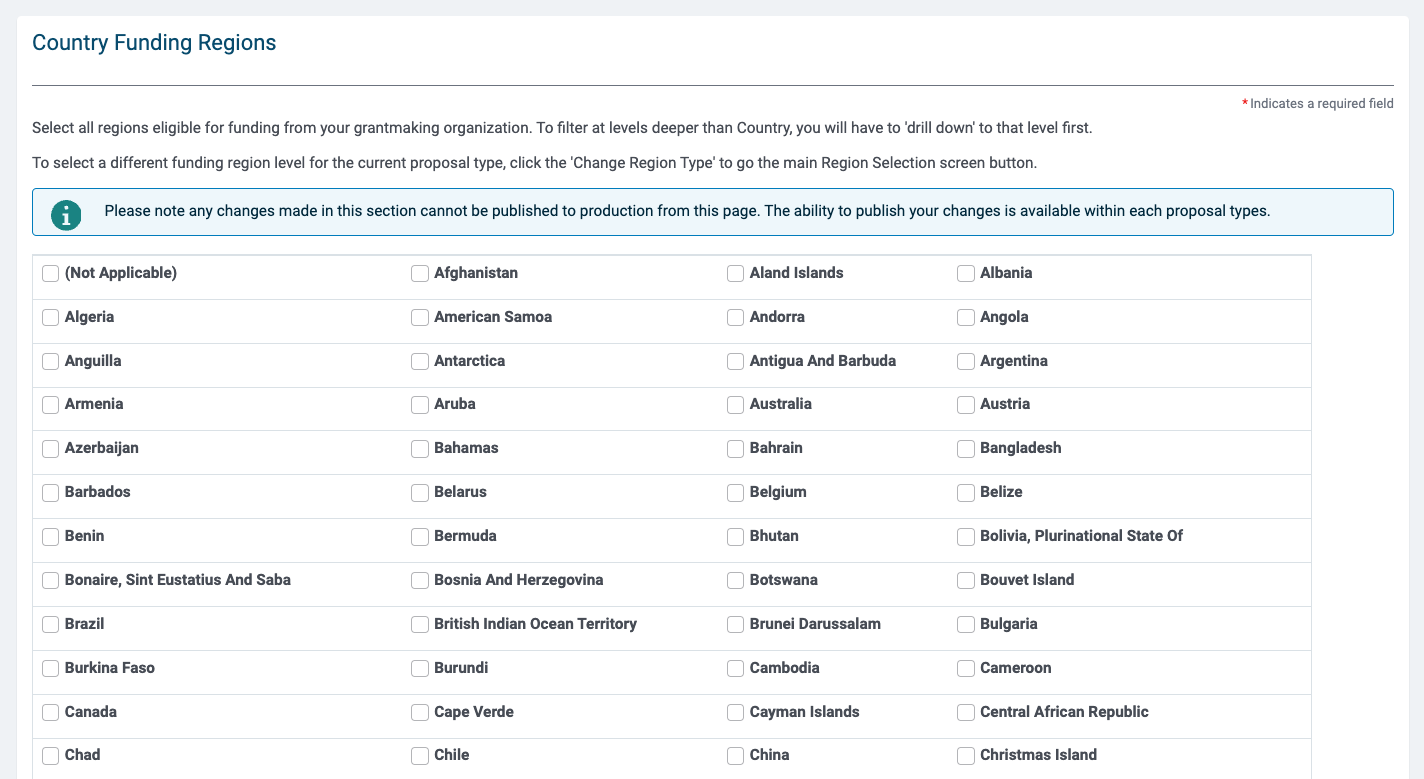
Figure 2 Country Funding Regions page
-
Click the Save button to save your settings.
- Click Done to return to the previous page.
- In the Eligibility Requirements section, click the View/Edit link next to Nonprofit Status.
- On the Tax Status page, select the appropriate tax status(es). Organizations with the selected tax statuses will appear in the Organization search (see Figure 3.)
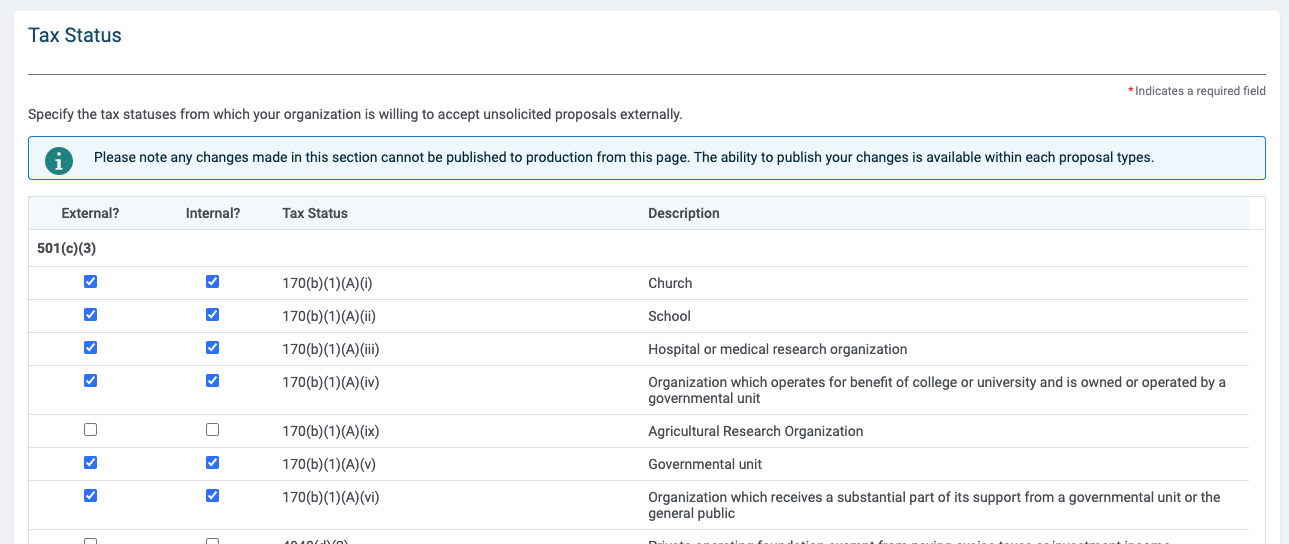

Figure 3 Tax Status page
-
Modify fields as needed. The following settings are required:
- New/Organization Status
- Basic Search Instructions
- Advanced Search Instructions
- Search Result Instructions
- Instructions Displayed When No Search Results are Returned
- Visibility Level for Approved Existing Organization
- Click the Done button to return to the previous page.
-
Click the Save button to save your settings.
Note: As an optional step, in the the Eligibility Requirements section, click the View/Edit hyperlink next to NTEE Codes and Configure.
Related Articles
Organization Searches for Employees


