In addition to the System Log, audit trail information is also accessible to all internal users from the Organization Toolbox within an individual organization record, the Gift Summary Toolbox on an individual gift record, or through the Toolbox within an individual Request record.
Step 1: Access the record
Enter the record to view the audit trail for an individual organization or request.
Step 2: Enter the audit log from the Toolbox
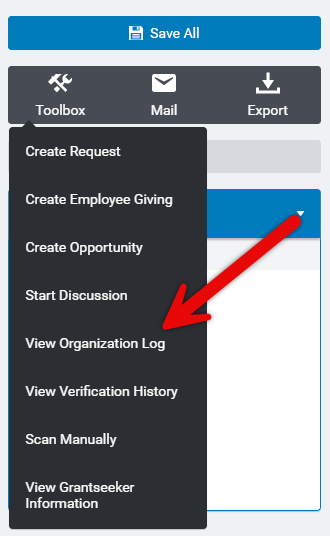
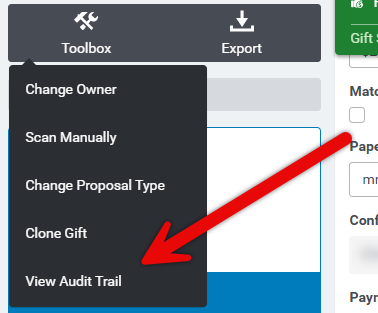
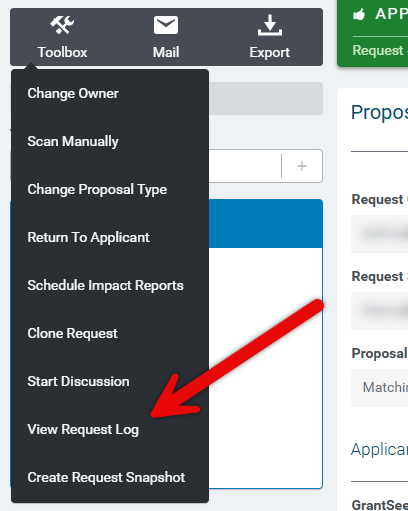
Click on "Toolbox" in the upper left corner, and select the applicable link to view the log.
Organization Log:
Gift Summary Audit Trail:
Request Log:
What else do you need help with?
Not what you're looking for? Navigate to Understanding the System Log


