The Payroll Startup File Process Extension is a standardized integration designed to migrate active recurring employee payroll pledges from a legacy system into Bonterra’s CyberGrants system.
This extension establishes pledge records on behalf of employees, ensuring that contributions continue without interruption upon launching CyberGrants.
Core functionality
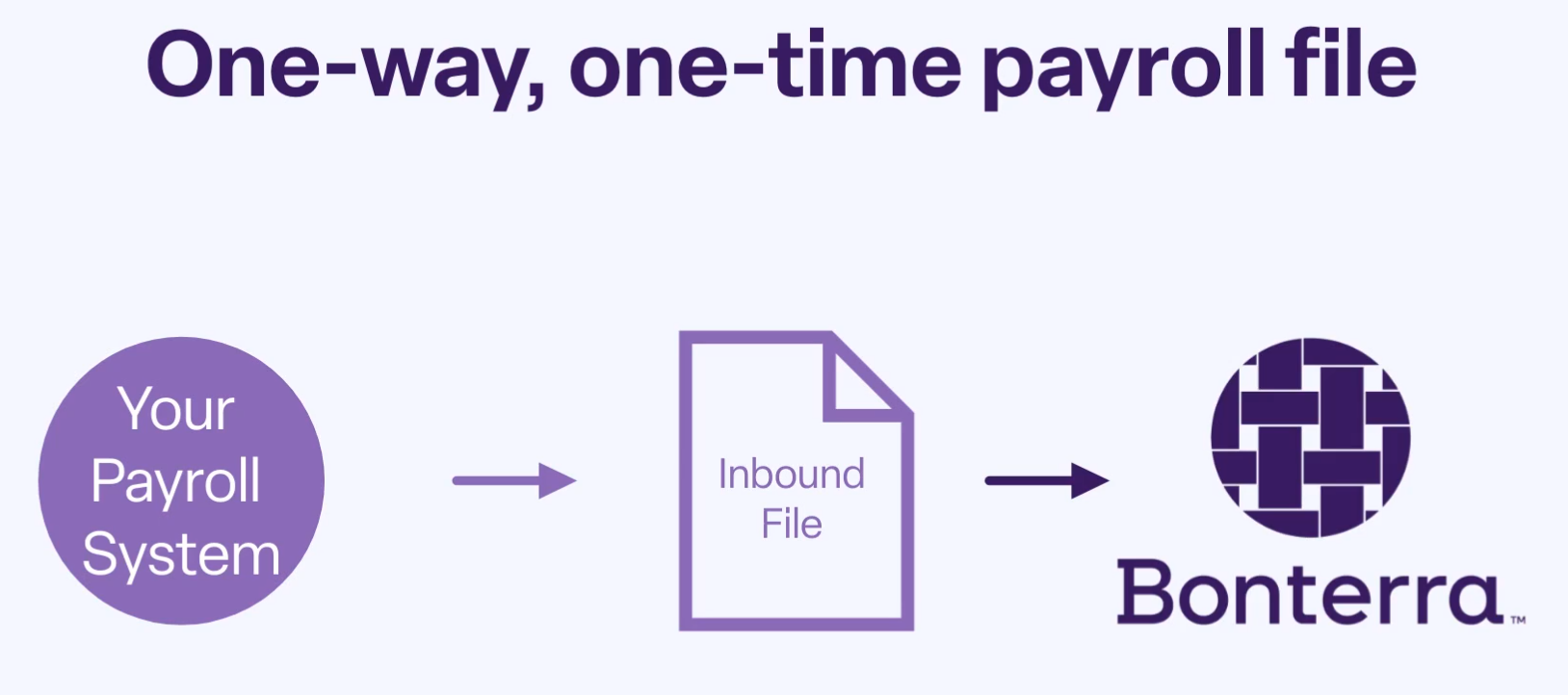
This extension facilitates a one-time upload of a payroll deduction data file from a legacy system into CyberGrants. Using this file, the system creates:
- Pledge Summary Records, which consolidate the total pledge amount across all recipient organizations and indicate the pledge’s active status.
- Pledge Detail Records, which reflect individual organization allocations within a pledge and are associated with their corresponding summary.
The extension ensures that employee deductions are preloaded in CyberGrants, eliminating the need for employees to re-enter their current pledges.
Definitions
To support your understanding of the process, the following are some key terms used throughout the documentation.
These definitions are central to how the Payroll Startup File is processed and how pledge records are structured within the CyberGrants system.
Term:
|
Definition:
|
| Proposal Type | A “Proposal Type” represents the online form that employees use to register for giving or volunteering opportunities. Each pledge in the startup file maps to a Proposal Type, ensuring that contributions are associated with the correct program configuration. |
| Deduction Summary | This is the parent pledge record for each Proposal Type. It captures the total pledge amount for an employee and serves as the summary-level representation of the employee’s contribution. |
| Deduction Detail | These are the child records of a Deduction Summary. Each Deduction Detail represents a specific allocated amount, recording how much of the total pledge is directed to each individual organization. |
Import file structure
The payroll startup file must be a comma-, pipe-, or tab-delimited text file. Each row should represent either a total pledge or an allocation to a single, specific organization. The required fields include:
- Employee ID [matches the Human Resources (HR) feed Donor ID]
- Charity EIN, Name, Address (1 & 2), City, State (2-character), ZIP, Country (2-character)
- Pledge Type (e.g., "R" for U.S. recurring, "CR" for Canadian recurring)
- Total Pledge Amount (summary record)
- Organizational Allocation Amount (per organization)
- Pledge Currency (e.g., USD, CAD)
Each total pledge record must be followed by one or more organizational allocation records, and the sum of the allocation amounts must match the total pledge amount.
Organization record handling
During processing, the system checks for existing charitable organization records using the following matching criteria:
- Charity EIN
- Charity ZIP
- Charity City
- Charity State
- Charity Country
If a match is found, the pledge is associated with the existing record. If not, a new organization record is created using the information in the file. Duplicates may occur and can be resolved with CyberGrants’ merge tools.
Assumptions and dependencies
- Customers must provide a test file to load into the Sandbox environment for review and approval.
- A final production-ready file must be submitted at least five business days before the go-live date.
- Approval of the Sandbox file is required before the production load.
- A program blackout period must be enforced to prevent legacy system updates after the final file is submitted.
- Any pledges created after the file submission must be entered manually into CyberGrants. If an existing pledge is changed after the file submission, those changes must be updated manually in CyberGrants.
By adhering to Bonterra’s vetted methodology, customers can ensure a controlled, compliant, and successful data migration.
What else do you need help with?
Not what you’re looking for? Navigate to Payroll Startup File Process Extension Overview
Looking for training?
Explore this feature at your own pace - access training video content or watch a recorded webinar by clicking the link below.


