Insights Table Calculations are a powerful feature in data analysis, allowing Analysts to perform complex calculations on their data including percent of previous and percent change. Proceed as follows to calculate the percentage of previous rows and percent change within a column in a Data Table.
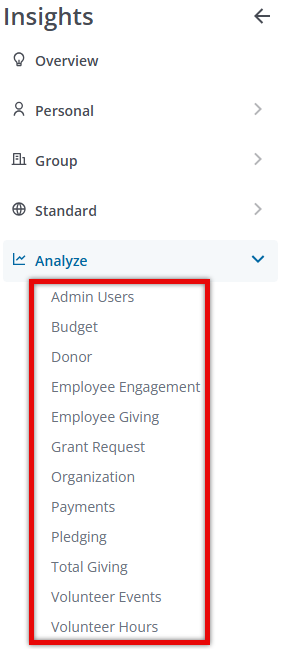
Step 1: Access Insights and Choose an Explore
Log into CyberGrants and navigate to the Insights platform.

Then, select the desired Explore in the Looker platform to begin your analysis.
Step 2: Identify Data Fields
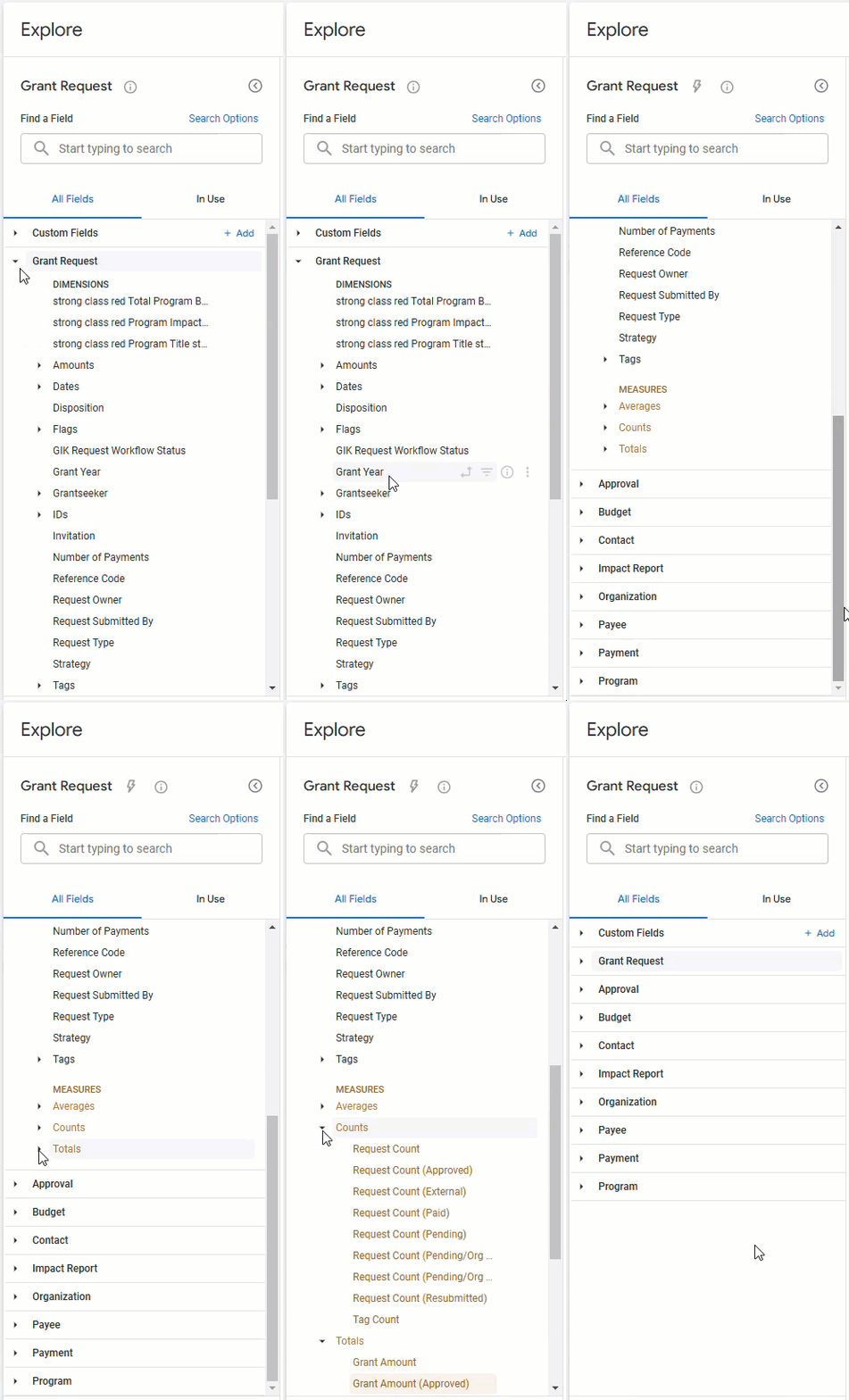
Ensure that the appropriate dimensions and measures are included to populate your Data Table.
Step 3: Apply Filters
Apply the appropriate filters to your data table.

Step 4: Add a Table Calculation
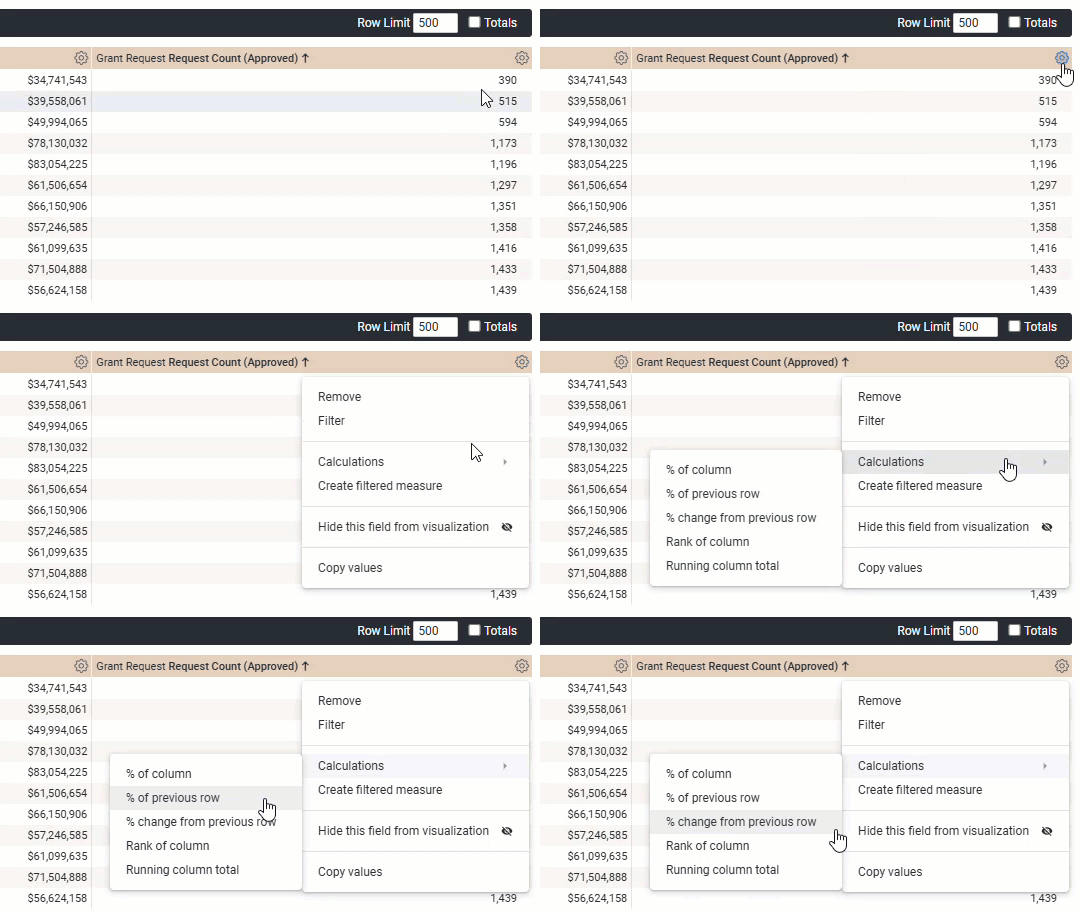
Add a Table Calculation to your data analysis. For additional guidance on adding Table Calculations in an Explore (Looker), visit How do I create an Insights Table Calculation?
Step 5: Calculate Percent of Previous
In the table calculation modal, select the "% of previous row" calculation from the available options and customize the calculation.
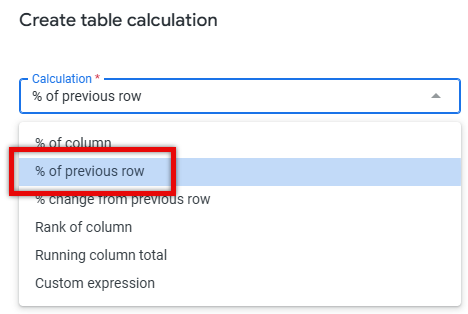
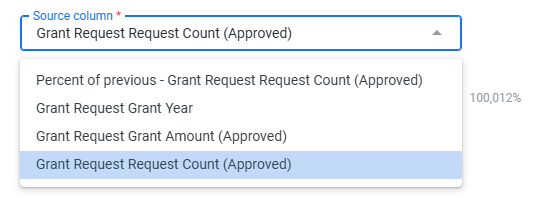
- Source Column - Identify the column to use as the source for your data analysis.
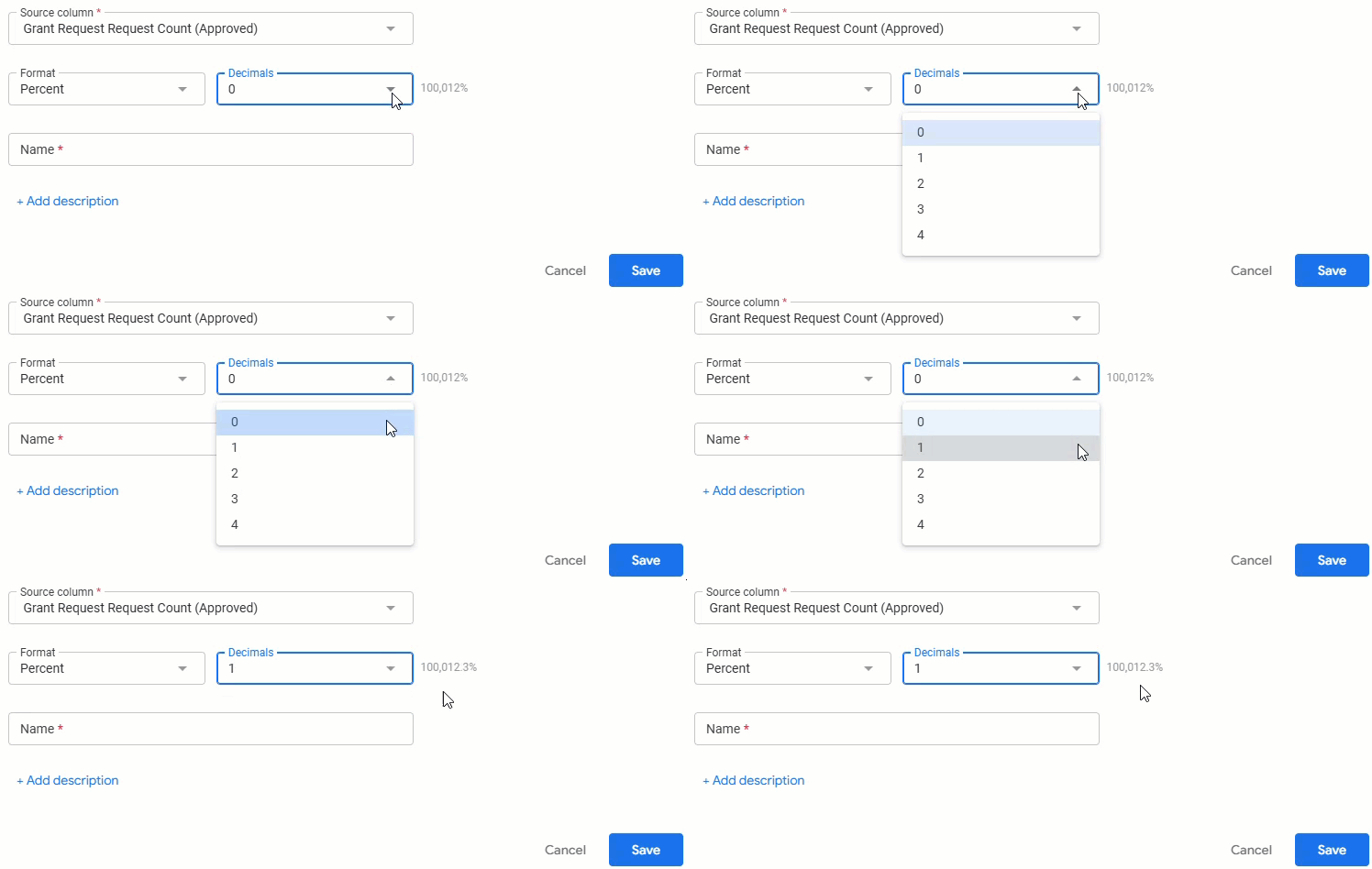
- Format - The default format will display as a Percent. You can select the dropdown to choose the number of decimals that should be reflected in your data table.
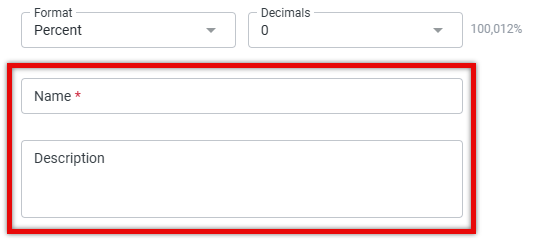
- Name & Description - Create a name for your Table Calculation and add an optional Description.
Each value will be divided in the table by the value in the row below it.
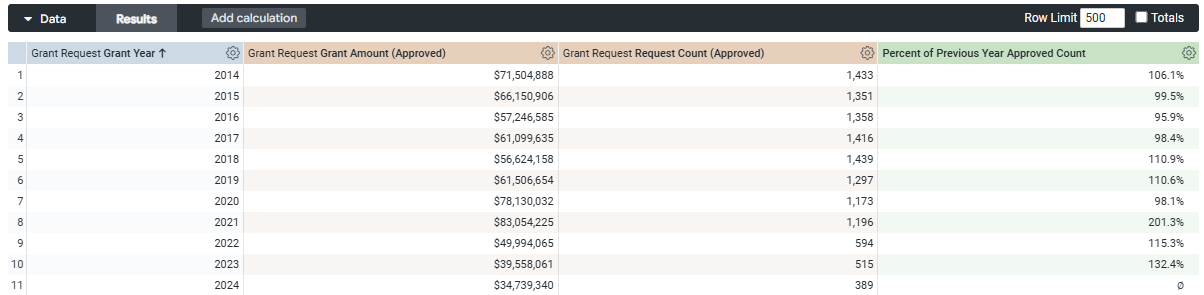
Step 6: Calculate Percent Change
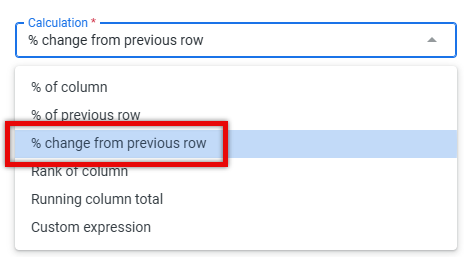
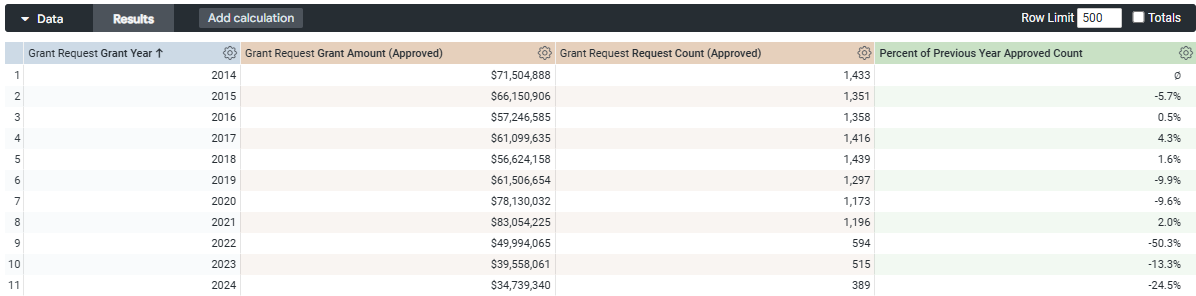
Instead of selecting the "Percent of Previous Row" calculation, utilize the "Percent Change from Previous Row" calculation to determine the percent change.
- Source Column - Identify the column to use as the source for your data analysis.
- Format - The default format will display as a Percent. You can select the dropdown to choose the number of decimals that should be reflected in your data table.
- Name & Description - Create a name for your Table Calculation and add an optional Description.
This calculation provides the difference between the current row's value and the value of the row below it, divided by the value of the row below.
What do you need help with?
Not what you're looking for? Navigate to Understanding Insights Table Calculations


