Email Event and Email Reminder Configuration Overview
Administrators have the ability to configure system-level email notifications that are triggered by specific system events. These email notifications can be configured based on various triggers, such as user requests, impact reports, or survey responses.
- To set up these email events and reminders, they need to be configured within the Sandbox environment first. This allows administrators to test and validate the email configurations before publishing them to the Production environment.
- Once the email notification settings have been finalized in Sandbox, the changes will need to be published or deployed to the Production environment before they can become active and start sending emails to users.
Internal users can access the email events and reminders for their program in the "E-Mail Configuration" section of the Admin tab.
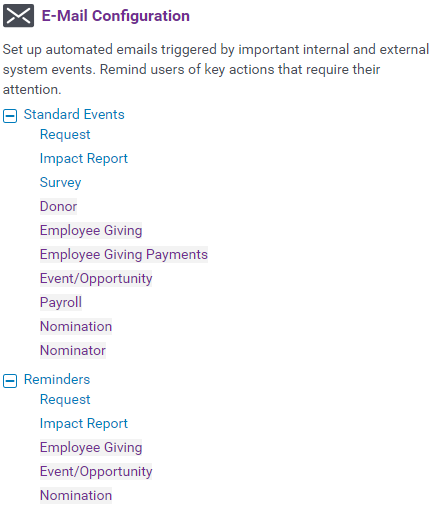
The following articles provide a comprehensive overview of the email event configuration and management capabilities within the platform, including standard email event configuration, email reminder configuration, as well as detailed reference guides to the standard email event IDs, email event reminder IDs, and merge fields used within the system.
What do you need help with?
Not what you're looking for? Navigate to CyberGrants Email Management Overview
Looking for training?
Explore this feature at your own pace - access training video content or watch a recorded webinar by clicking the link below.


