All application configuration changes must be made in the Sandbox environment and then published to Production. Administrators can publish changes within proposals, fields, rules, etc or they can publish all changes at once in the Change Management module.
In order to perform publications, a user must be assigned permissions in their user role:
- Ability to publish configuration changes from sandbox to production
- Ability to publish configuration changes in bulk from sandbox to production
To publish application configuration changes, follow these steps.
Enter the CyberGrants Sandbox Environment.
Step 1: Bulk Publish to Production
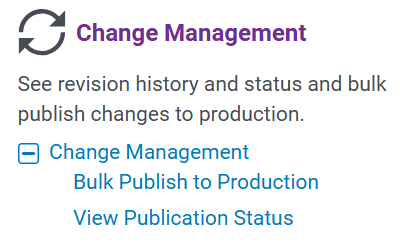
In the Sandbox environment, access the Admin tab and select "Bulk Publish to Production" to publish multiple changes at once.
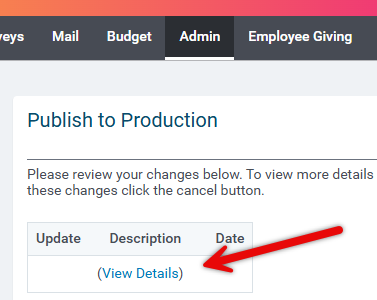
- Click "View Details" to review the changes that will be published.
Step 2: Take a Backup and Publish
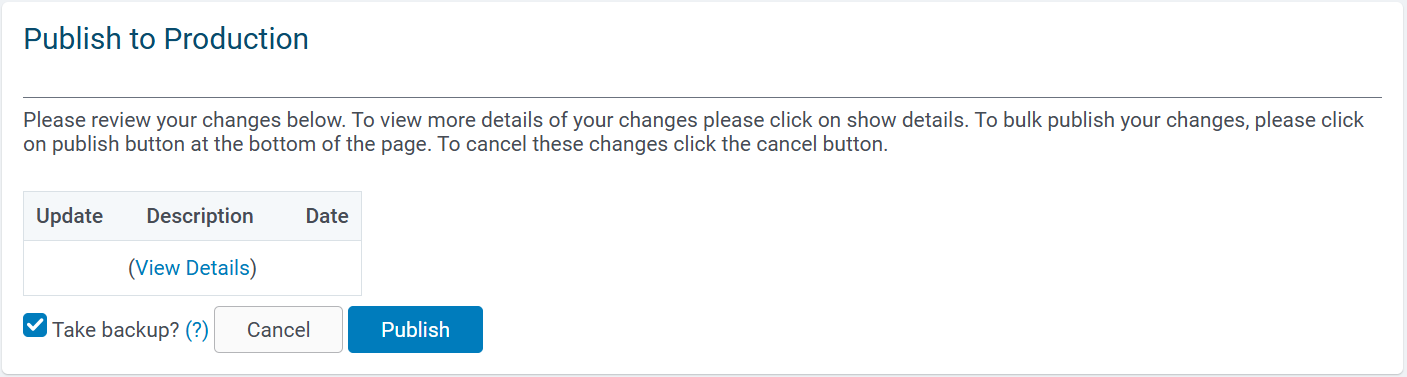
Check "Take Backup" - Backups are required to revert publications but impact the time it takes for publications to complete.
When prepared, click "Publish" to publish to production or "Cancel."
Step 3: Monitor Publication Status
To view the status of the publication, click "View Publication Status." The status will show "Pending" or "Complete."

Enter the CyberGrants Production Environment.
Step 4: Manage Revision History and Rollback
In the Production environment, Administrators can view revision histories and roll back published configuration changes from production to the sandbox environment.
- Ability to roll back configuration changes from production to sandbox - An administrator must be assigned this permission in their user role to roll back configuration changes.

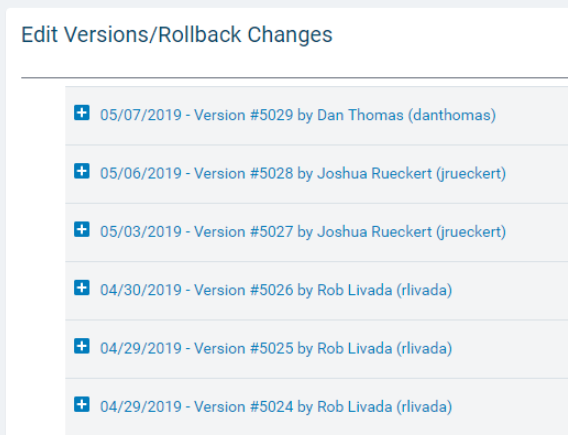
Select Edit Versions/Rollback Changes under Change Management on the Admin tab to view a history of publications.
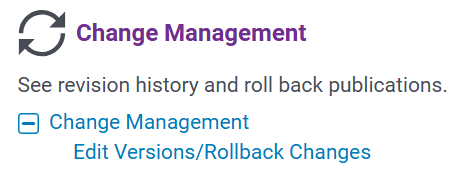
- Edit Versions/Rollback Changes:
What else do you need help with?
Not what you're looking for? Navigate to Understanding Application Configuration


