Cloning creates a new portlet with the same settings as an existing one, useful when you want a similar portlet with minor differences.
The following steps will guide you through cloning and preparing the new portlet for use.
Step 1: Open portlets
Enter the Bonterra CyberGrants Sandbox environment and go to Admin > Portal Pages > Reports > View/Edit Portlets.
Step 2: Clone the portlet
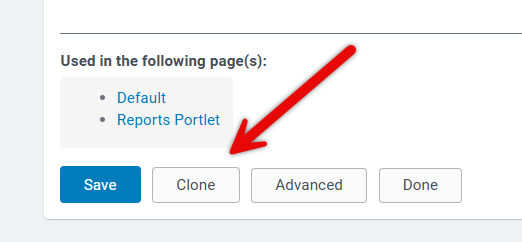
Click Clone to create a new portlet based on the saved settings.
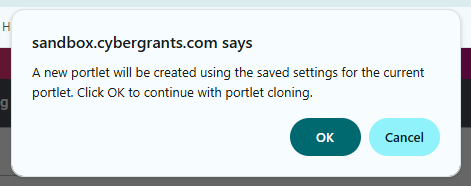
A message box will appear to confirm the action. Select OK to proceed with cloning.
Step 3: Name and save
Enter a new name, then click Save and Done.
You can now add this portlet to a Reports portal page. You may choose to suppress the title, add description/introduction/footer text, or further configure it in Advanced.


