The Mail Tab provides comprehensive functionality for managing communications. Users can design templates, create mailing materials, compose letters and emails, build contact lists, and review correspondence activity. After setting up templates, letters and emails can be easily generated from organization records, request records, or directly within the Mail tab, and sent to individuals or entire mailing lists as needed.
Step 1: Access Mail Tab
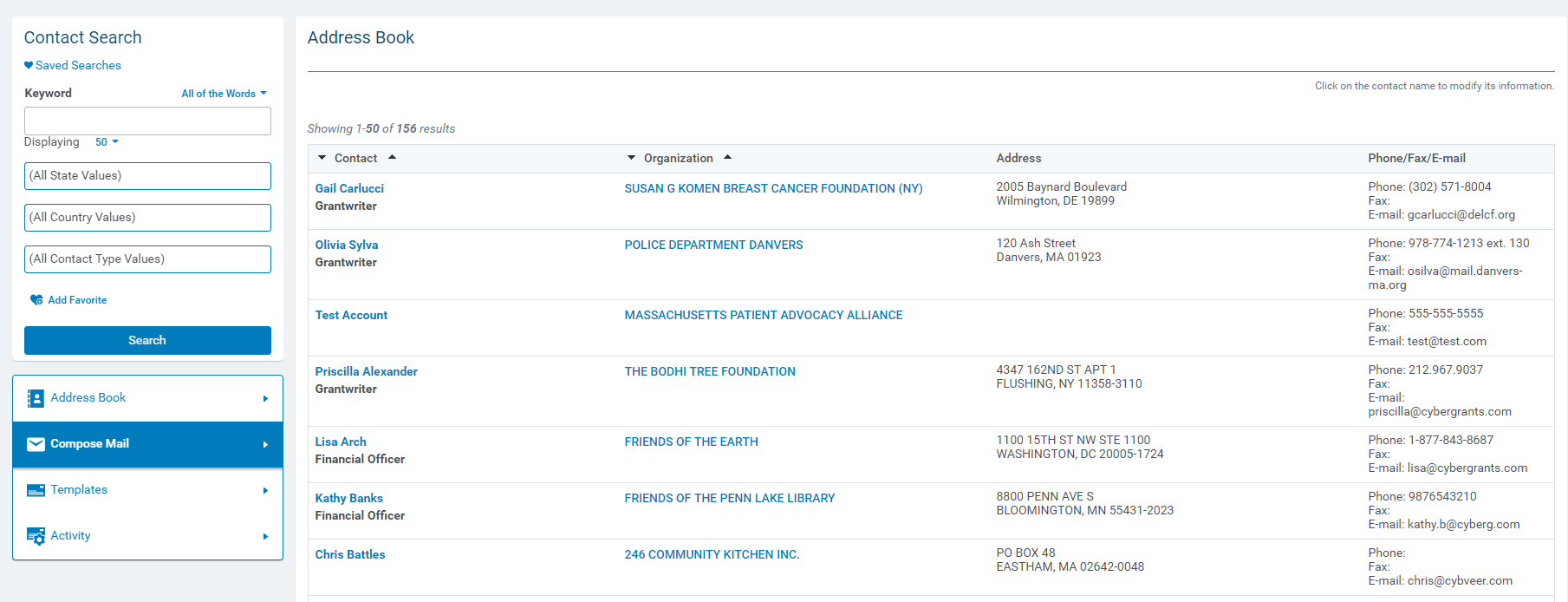
Navigate to the Mail Tab in CyberGrants.
Step 2: Mail Tab Features
In the Mail tab, you will be able to:
- Design letter and email templates.
- Compose letters and emails to contacts.
- Build and manage mailing lists.
- Generate ASCII files with contact information.
- Review correspondence activity and history.
Step 3: Generate Emails/Letters
Once you have created templates, you can generate letters and emails as needed in a few different ways:
- Create a letter or email directly from an organization record.
- Create a letter or email from a request record.
- Generate letters or emails directly from the Mail tab.
These communications can be sent to individual contacts or an entire mailing list, as needed.
What else do you need help with?
Not what you're looking for? Navigate to Understanding CyberGrants System Tabs and Navigation


