eSignature for Grant Programs overview
eSignature capabilities, in partnership with AdobeSign and DocuSign, can be streamlined through a process that electronically records acknowledgment of a grant by both the Grantseeker and the Grantmaker in a fully executed document attached to the request with minimal need for Bonterra assistance. User roles exist to grant varied levels of eSignature permissions for program admins to upload and manage templates.
Key features:
- Provider support - Connect with leading eSignature providers such as DocuSign and Adobe Sign.
- Template-driven signing - Generate documents from preconfigured templates tied to specific proposal types.
- Integrated signer workflows - Assign internal or external signers based on system-defined rules.
- Status tracking - Monitor if documents have been sent, viewed, or signed.
Additional capabilities:
CyberGrants supports a range of additional capabilities to ensure flexibility, accuracy, and coordination in the eSignature process:
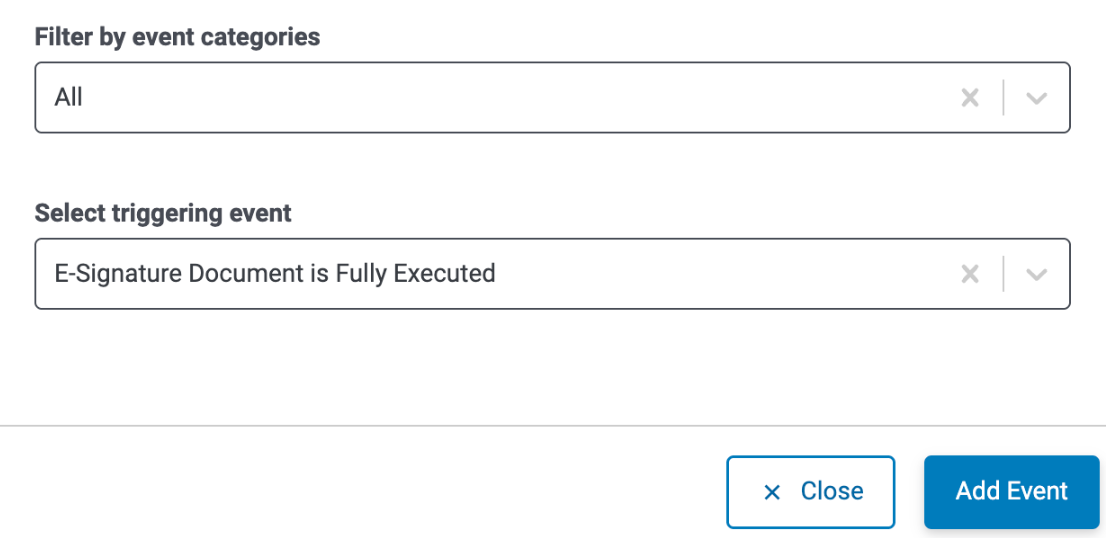
- Workflow status triggers - Automatically update a request’s workflow status when an associated E-Signature document is fully executed, ensuring downstream users are promptly informed and able to take action.
- Users with the appropriate eSignature permissions can configure this via: Admin tab → Application Configuration → Workflow Status → Add Triggering Event → Miscellaneous/Other → “E-Signature Document is Fully Executed"
-
- The trigger fires each time a related E-Signature document is fully executed.
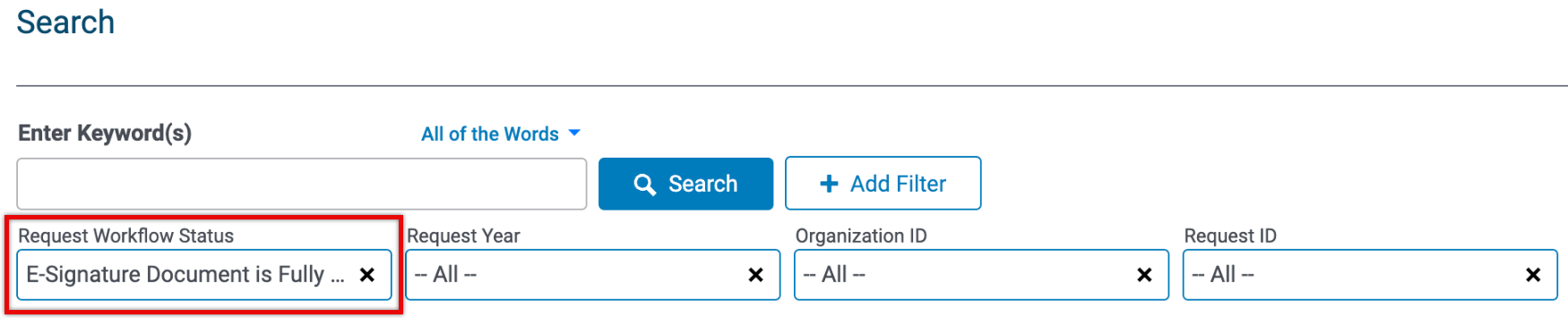
- In the request Search on the Main tab, internal users can filter by the Request Workflow Status: “E-Signature Document is Fully Executed".
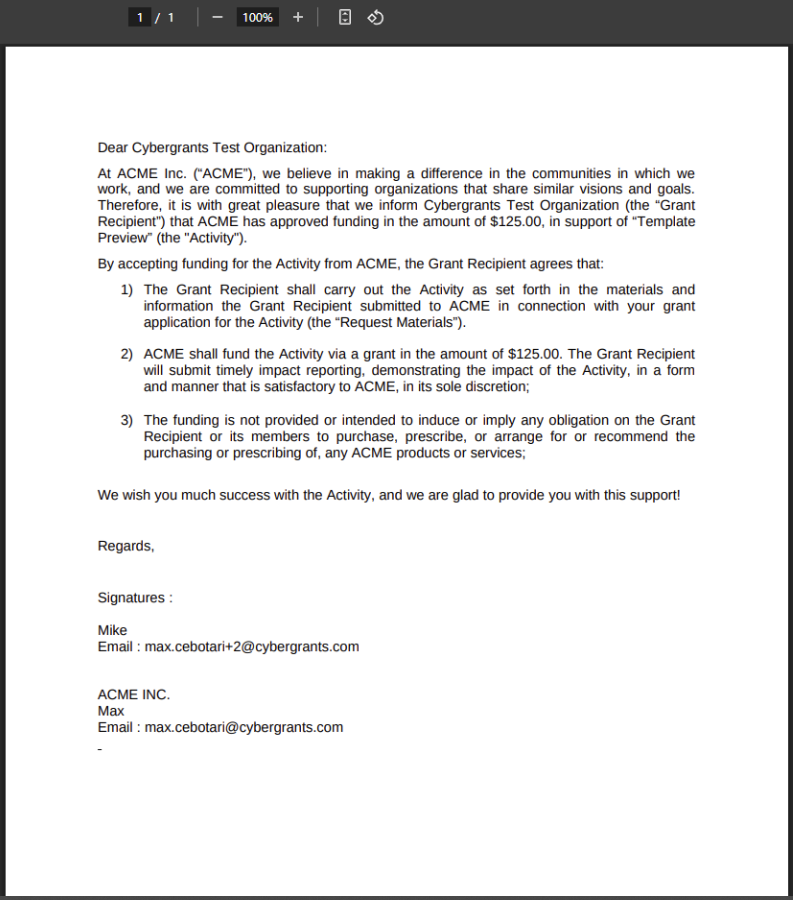
- Variable signers - You can define a variable number of signers (1–12) for each document template at the proposal type level, supporting flexible signing needs. Click here to learn about configuring Variable eSignatures.
- Consistent triggering logic - Documents trigger correctly in the event that the request owner is logged into a different CyberGrants grantmaker account.
Best practices:
- Plan to utilize the same template for multiple proposal types where possible. Using a simplified template eases the burden of managing multiple eSignature templates and avoids the need to resend documents if not fully executed prior to any change made to a template.
- If you are unable to complete an action, check your user permissions.
- If mapping multiple proposal types to a single template, please ensure that the number of signer fields in the template and on the proposal types match. (e.g., template has 3 signer fields, proposal types must each have 3 signer fields).
- If mapping multiple templates to a single proposal type, please ensure that the number of signer fields in the templates and on the proposal type match.
If you have a customized configuration and want to inquire about using this feature, or if you are looking into adopting eSignature for grant programs, please reach out for support. To learn more about the eSignature feature and how to leverage this tool, review the articles below.
What do you need help with?
Not what you're looking for? Navigate to Understanding Grant Programs - Grantseeker and Request Management
Looking for training?
Explore this feature at your own pace - access training video content or watch a recorded webinar by clicking the link below.


