FrontDoor Activation and Configuration Overview
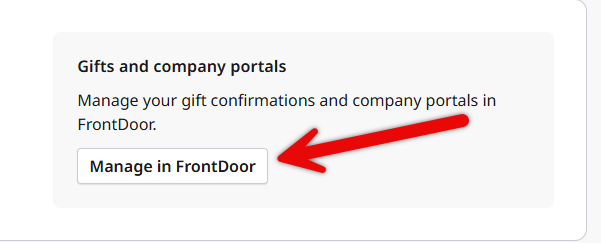
The Bonterra Nonprofit Hub now manages registration for eligible grants and employee engagement programs, unlocking features such as automatic ACH verification and organization profile management. Verified nonprofit users can still access FrontDoor via single sign-on (SSO) from the Nonprofit Hub to confirm gifts, view payment history, and access customers' company portals.
Proposal types have configurable fields that can display or restrict specific information based on the chosen options.
- Customers can configure whether access to company portals and gift/payment confirmations via Nonprofit Hub is Optional, Required, or should be disabled. In an Optional configuration, nonprofits may choose whether or not to interact with Nonprofit Hub to confirm gifts, view payment data, or access customer program portals. In a Required configuration, Nonprofits must have a Nonprofit Hub account in order to access and participate in a customer’s program(s).
Review the following articles to learn more about FrontDoor activation and configuration.
What do you need help with?
Additional Resources
Not what you're looking for? Navigate to FrontDoor Overview


