Create Custom Measures from Dimensions Overview
Watch this video for a quick, engaging overview of how to apply custom measures to dimensions in Insights Explores.
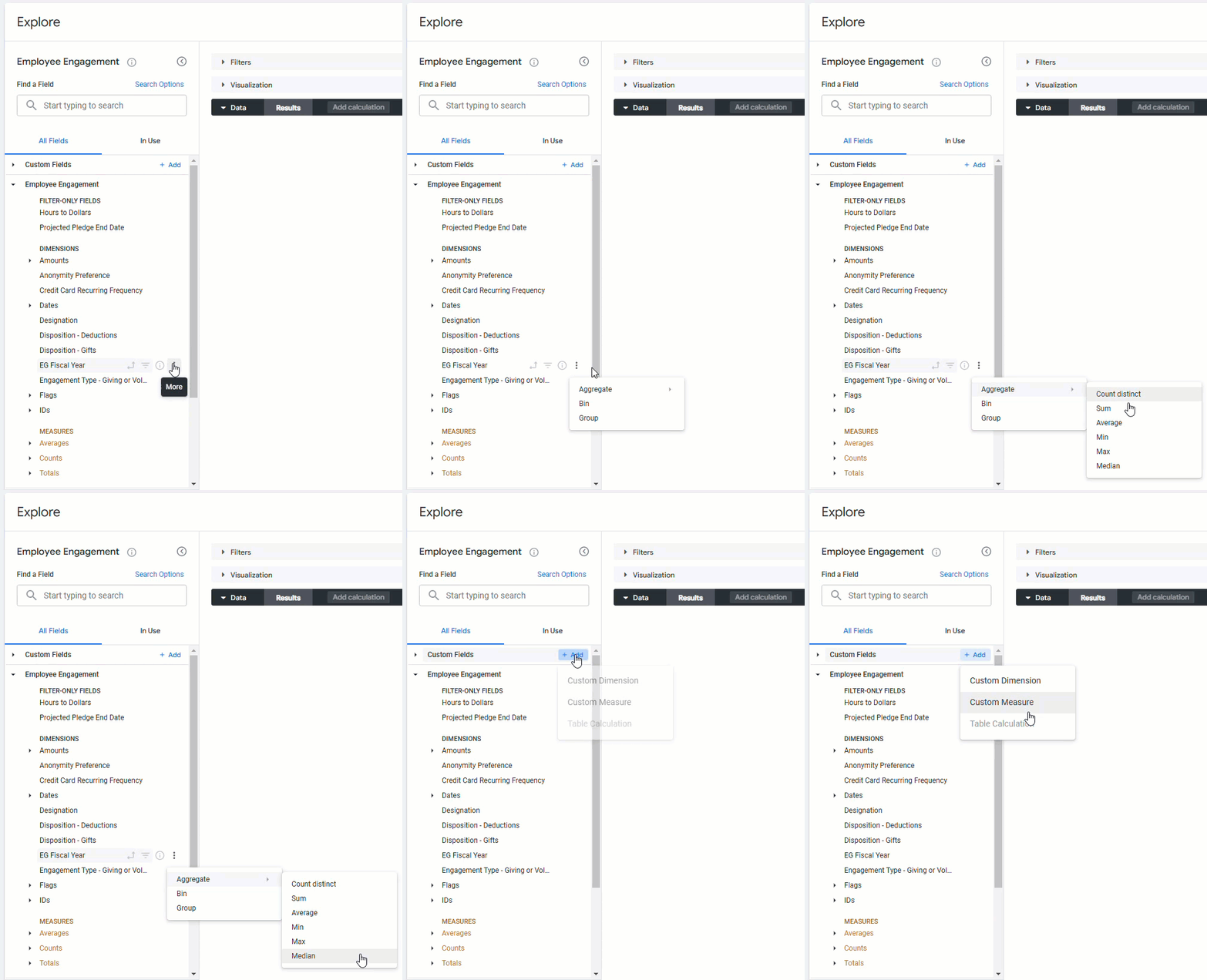
Insights Analysts have access to create custom measures from dimensions in an Insights Explore using advanced features that empower them to unlock a deeper understanding of their program's data. This can be accomplished in one of the following ways:
- The dimension's ellipses menu allows for the quick application of common functions, saving time and effort.
- The Custom Fields section enables analysts to define custom measures with specific formats and filters, tailoring the data to their unique requirements.
Feature Availability:
Insights Explores are accessible only to Insights Analysts. Administrators can manage Insights permissions for their program's internal users through the Users section in the Insights platform. Click Here to learn more about the Insights Self-Service User Management Portal.
The Insights platform offers the flexibility to effectively utilize these custom measures, including adding them to data tables, applying them as filters, and incorporating them into visualizations. To learn more about Creating Custom Measures from Dimensions in Insights, please view the articles below.
What do you need help with?
Additional Resources
Not what you're looking for? Navigate to Understanding Insights Custom Fields


