Insights Analyze Explores Basic Navigation Overview
The Analyze functionality within Insights is a powerful tool that equips administrators with all the data needed to build their own collection of reports and dashboards, specifically curated to support the varying needs of both internal and external stakeholders.
Within Analyze, licensed “Analyst” users can access their data from a series of standard “Explores”. Each Explore can be seen as a starting point for exploration and includes its own set of organized folders and subfolders, containing all standard and custom customer data. Additionally, various "measures" are available within each Explore, allowing for quick and easy calculations as needed.
Feature Availability:
Insights Explores are accessible only to Insights Analysts. Administrators can manage Insights permissions for their program's internal users through the Users section in the Insights platform. Click Here to learn more about the Insights Self-Service User Management Portal.
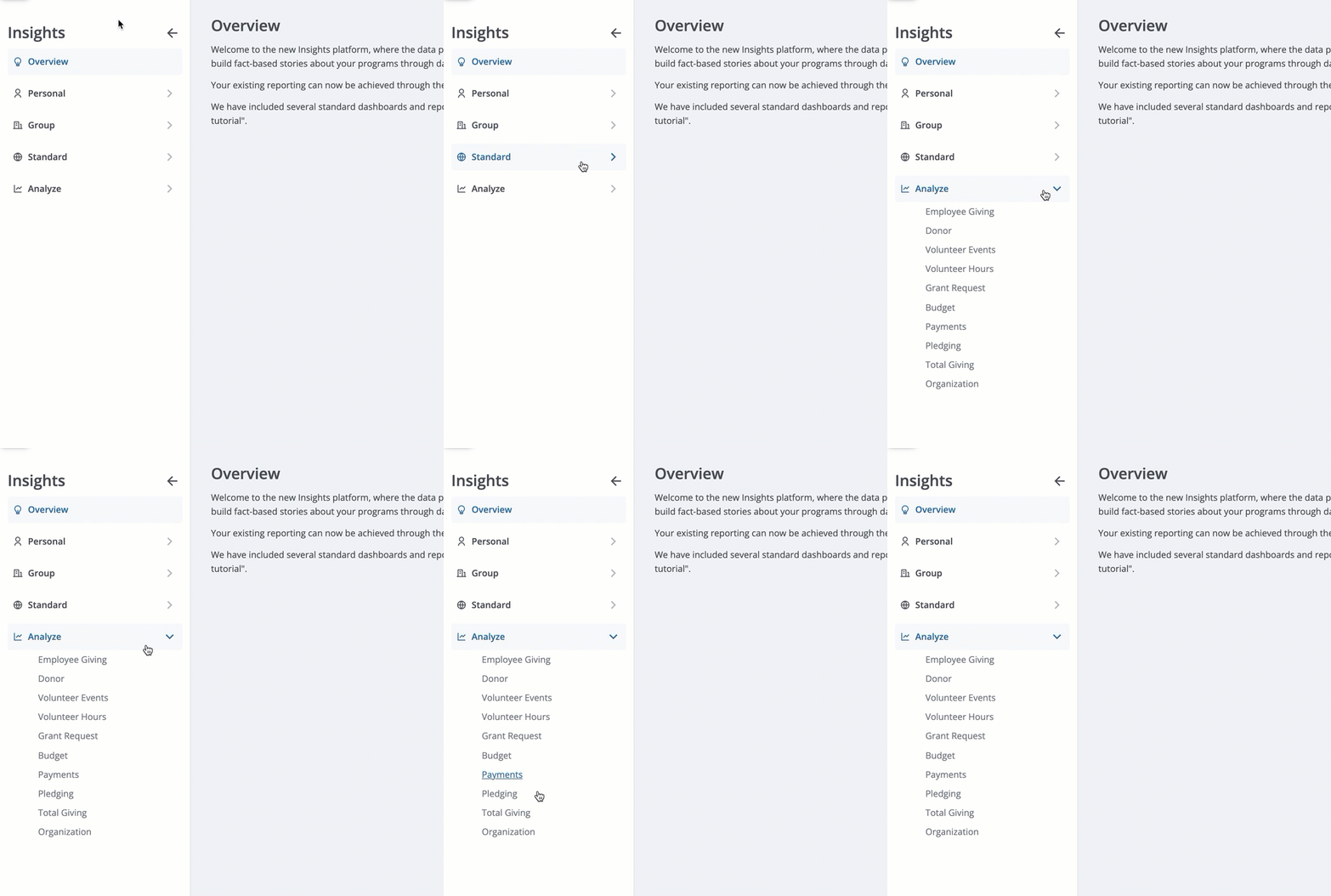
Please review the articles below to learn more about navigating, filtering, exploring, and sharing the content that is compiled within a given Explore.
What do you need help with?
Additional Resources
Not what you're looking for? Navigate to Insights Analyze Basics Overview


