Creating and Editing Data Fields Overview
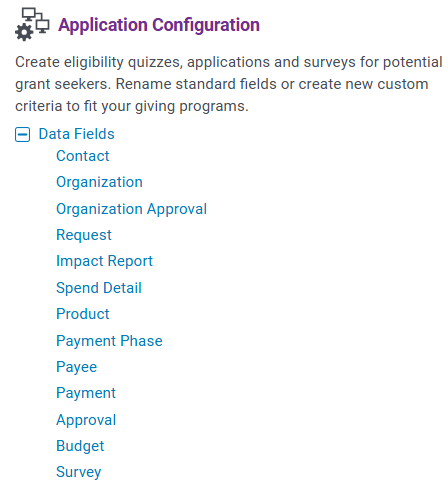
CyberGrants allows administrators to create and manage data fields across different data types, such as contacts, organizations, requests, and payments.
- To create a new data field, administrators can access the appropriate data type section and configure the field properties, including its name, visibility, and required status.
- For fields with list values, administrators have the ability to customize the list options, their order, and establish a hierarchy within the list values.
- Additionally, the system provides a matrix view to align specific list value types with applicable proposal types. Text fields also support input validation rules, including options to enforce email domain requirements using a configured allowlist or blocklist.
 Key Configuration Notes
- Administrators can delete data fields that have not yet been used, but if a field contains data, it should be inactivated instead to preserve the field's history. - Standard fields cannot be deleted, but they can be deactivated to remove them from use.
- Click the “Edit” button associated with the field, then click the “Delete” button within the field. If a data field contains data in one record, uncheck the “Active?” checkbox to remove it from use and retain the field’s history.
Review the following articles to learn more about creating, editing, and configuring data fields, including list values within your program's application.
What do you need help with?
What else do you need help with?
Not what you're looking for? Navigate to Understanding Field Configuration.


