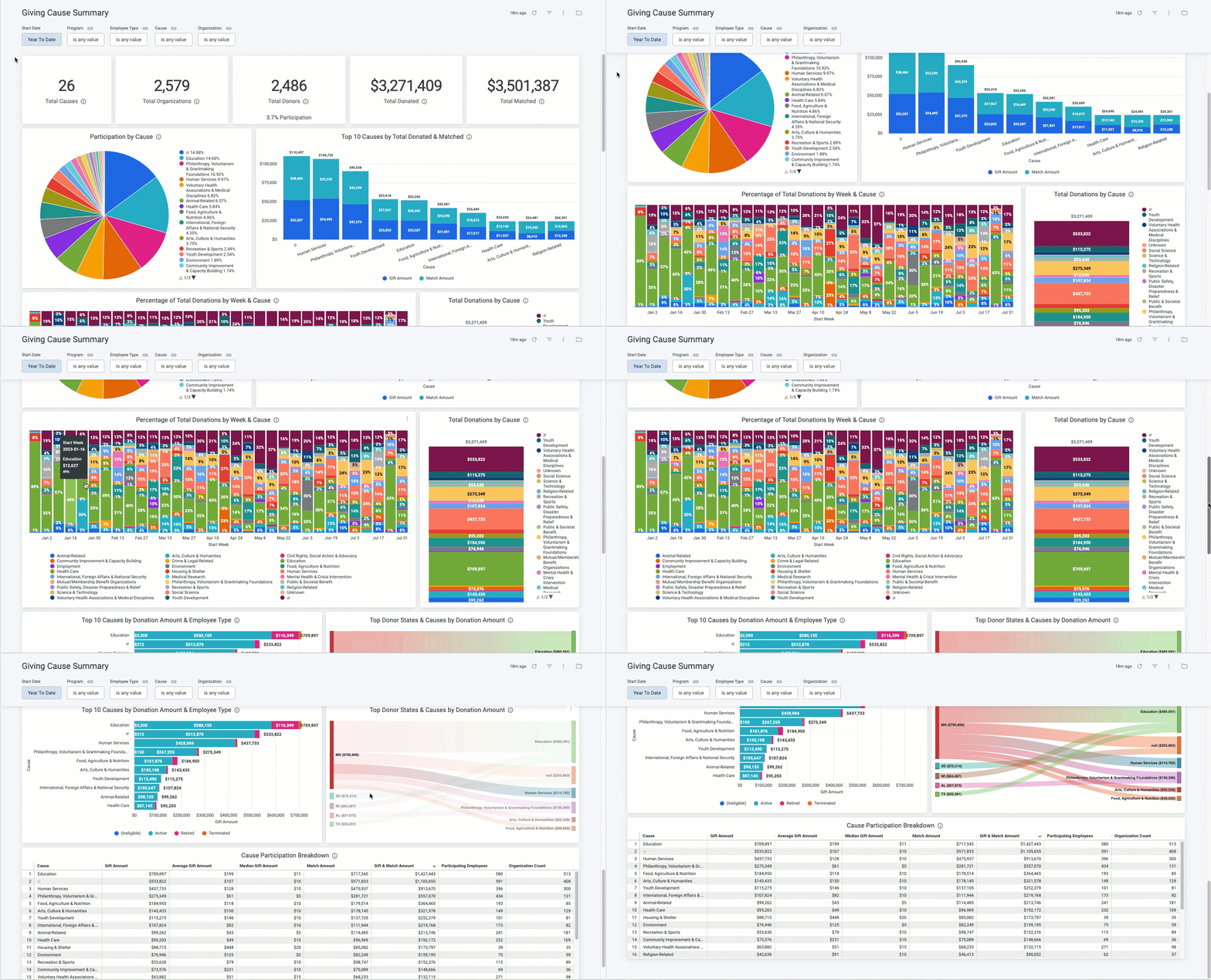
The Giving Cause Summary dashboard provides an overview of how donors are donating across the various available Causes, indicating where Cause participation might align or differ from the company's primary focus areas.
This dashboard includes metrics such as Top Cause Participation by Donor Count/Donor State/Employee Type, Top 10 Causes by Donation Amount, and Total Donated by Cause.
Target Audience: Program Administrators & Program Coordinators
Proceed as follows to further explore the Giving Cause Summary standard dashboard and its features.
Step 1: Access the Dashboard
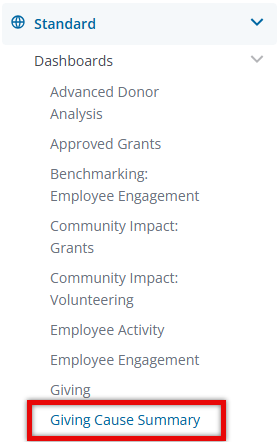
Navigate to the Insights platform and choose Giving Cause Summary from the list of Standard Dashboards in the left-side navigation panel.
Step 2: Explore the Dashboard Reports
The following is a list of reports included in the Giving Cause Summary standard dashboard.
Report Name
|
Description
|
| Total Causes | Unique count of Causes to which donations (not in disposition Canceled or Rejected) were made. |
| Total Organizations | Unique count of Non-Profits who received donations (not in disposition Canceled or Rejected). |
| Total Donors | Unique donor count (both active/inactive) not in disposition Canceled or Rejected. |
| Total Donated | Total cash gift amount not in disposition Canceled or Rejected. |
| Total Matched | Total match amount not in disposition Canceled or Rejected. |
| Participation by Cause | Unique count of donors that donated to each Cause. This does not include any donations in disposition Canceled or Rejected. |
| Top 10 Causes by Total Donated & Matched | Sum of Employee Donations & Company Matches for the top 10 Causes. This does not include any donations in disposition Canceled or Rejected. |
| Percentage of Total Donations by Week & Cause | Percentage of total employee donations (not in disposition Canceled or Rejected) over a period of time by Create Week. If the Create Week began prior to the date range selected, the returned data will still only include the filtered dates. |
| Total Donations by Cause | Total employee donations not in disposition Canceled or Rejected by Cause. |
| Top 10 Causes by Donation Amount & Employee Type | Total donations (not in disposition Canceled or Rejected) by Employee Type for the top 10 Causes. |
| Top Donor States & Causes by Donation Amount | Top Donor States & Causes by total donation amount. This does not include any donations in disposition Canceled or Rejected. |
| Cause Participation Breakdown | This does not include any donations in disposition Canceled or Rejected on the gift record. |
Step 3: Use the Dashboard Filters
Insights users can utilize the following filters to adjust their view of the data displayed across all tiles within this dashboard.


