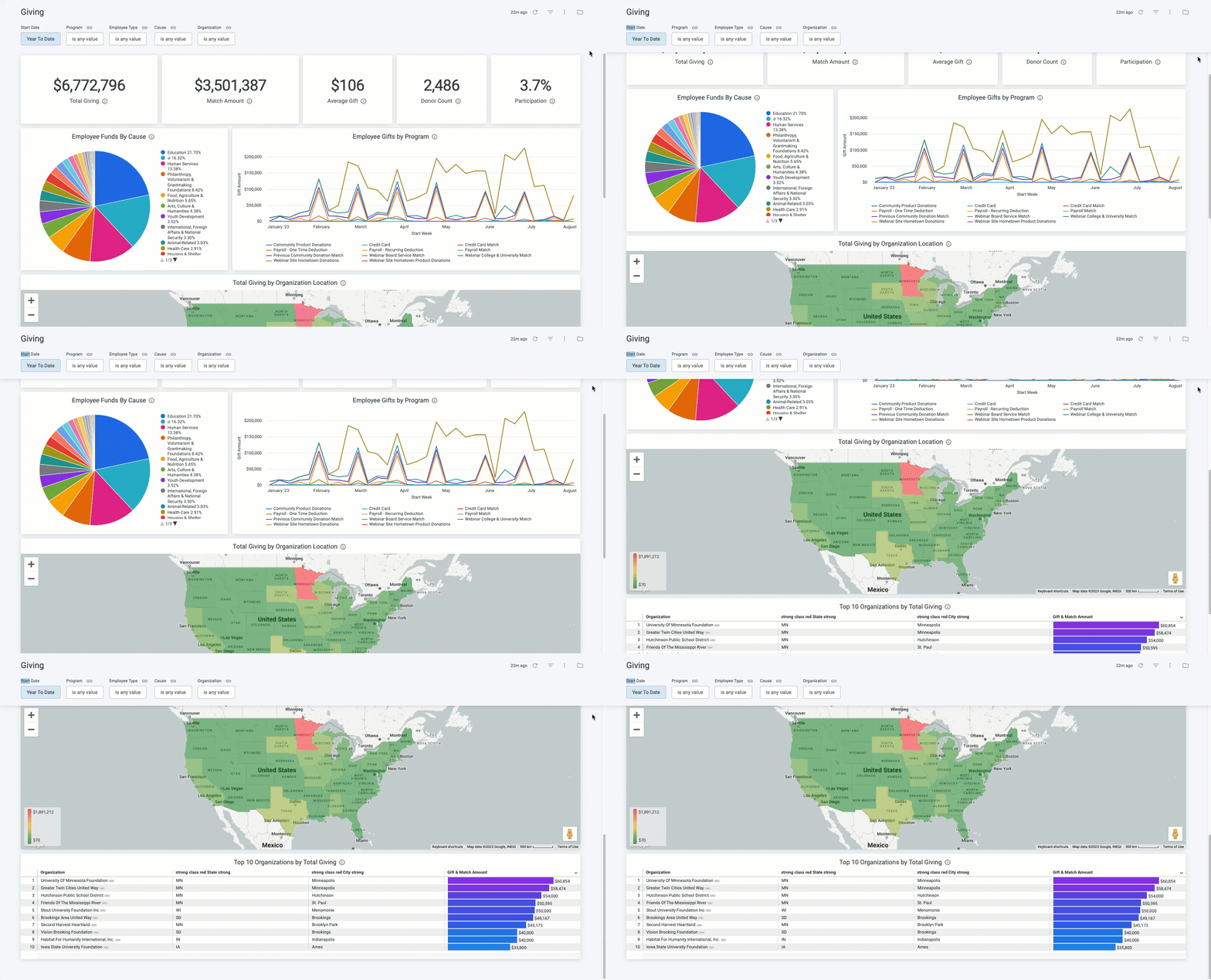
The Giving dashboard provides an overview of all employee giving and company match initiatives, including Total Match Amount, Donor Count, Average Gift Amount per Donor, and the Participation % compared to the entire employee population.
- Additionally, Administrators can analyze employee giving by Program Name, Cause, and Organization Location.
Target Audience: Program Administrators & Program Coordinators
Proceed as follows to further explore the Giving standard dashboard and its features.
Step 1: Access the Dashboard
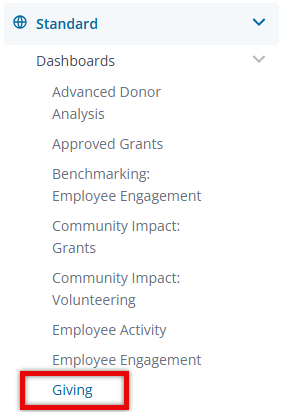
Navigate to the Insights platform and choose Giving from the list of Standard Dashboards in the left-side navigation panel.
Step 2: Explore the Dashboard Reports
The following is a list of reports included in the Giving standard dashboard.
Report Name
|
Description
|
| Total Giving | Sum of total cash gift amounts and match amounts not in disposition Canceled or Rejected. |
| Match Amount | Sum of total match amounts not in disposition Canceled or Rejected. |
| Average Gift | Average of total cash gift amounts not in disposition Canceled or Rejected. |
| Donor Count | Unique donor count (both active/inactive) not in disposition Canceled or Rejected. |
| Participation | Total Giving Unique Donors (both active/inactive) / Total Current Active Donor Population. |
| Employee Funds By Cause | Sum of total cash gift amounts not in disposition Canceled or Rejected by Cause. |
| Employee Gifts by Program | Sum of total cash gift amounts not in disposition Canceled or Rejected by Program. |
| Total Giving by Organization Location | Sum of total cash gift amounts and match amounts not in disposition Canceled or Rejected by the organization's state. |
| Top 10 Organizations by Total Giving | Sum of total cash gift amounts and match amounts not in disposition Canceled or Rejected sorted from Highest to Lowest by organization and Filtered to Top 10 of Highest Total Giving. |
Step 3: Use the Dashboard Filters
Insights users can utilize the following filters to adjust their view of the data displayed across all tiles within this dashboard.


