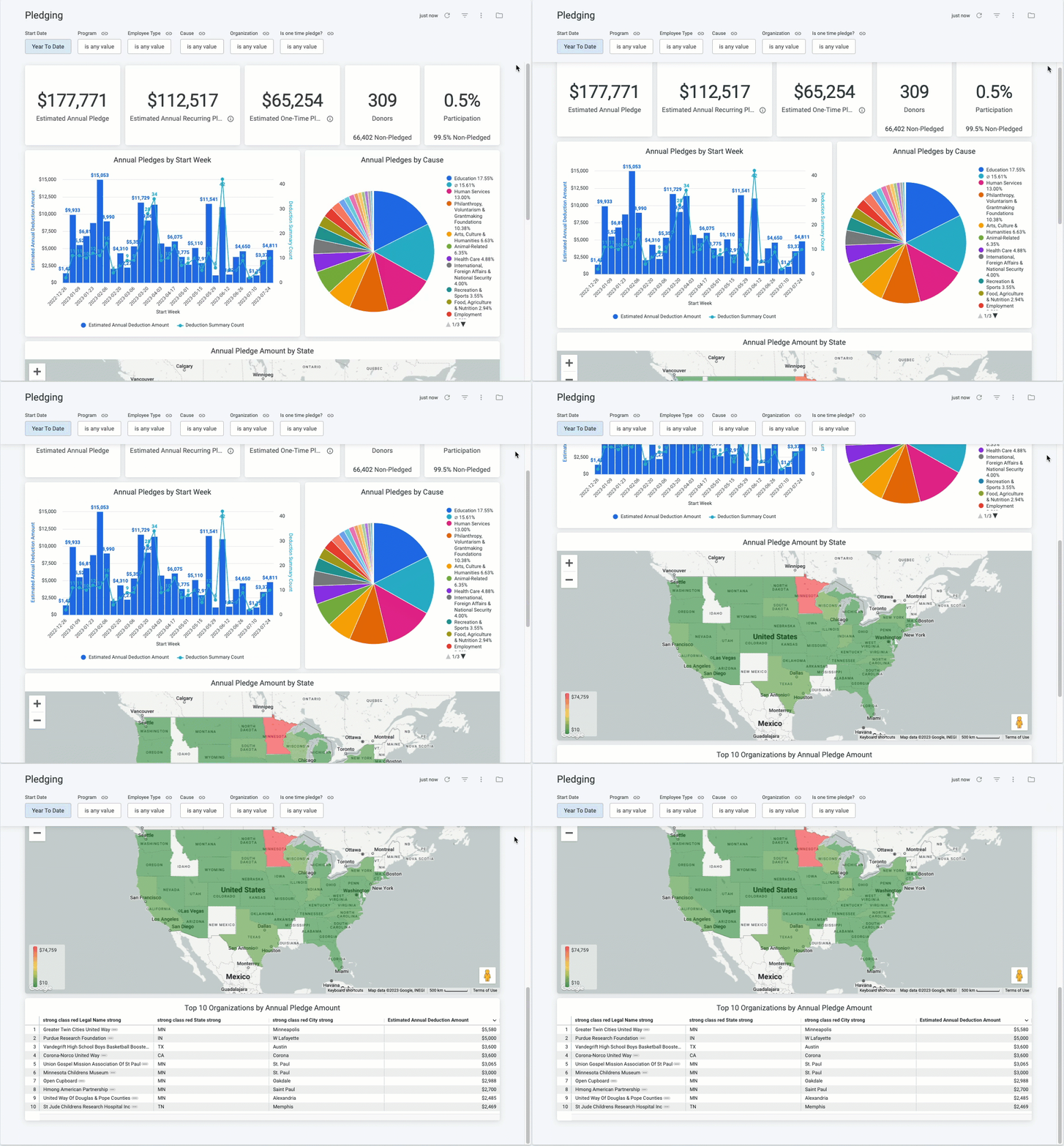
The Pledging standard dashboard offers a comprehensive overview of all employee-giving payroll pledge programs, including detailed information on Total Pledge Amount (One-Time vs Recurring), Donor Count, and Participation Percentage compared to the entire employee population.
- Additionally, administrators can access granular details about pledge amounts by Pledge Month, Cause, Organization Location, and the Top 10 Organizations by Pledge Amount.
Target Audience: Program Administrators & Program Coordinators
Proceed as follows to further explore the Pledging standard dashboard and its features.
Step 1: Access the Dashboard
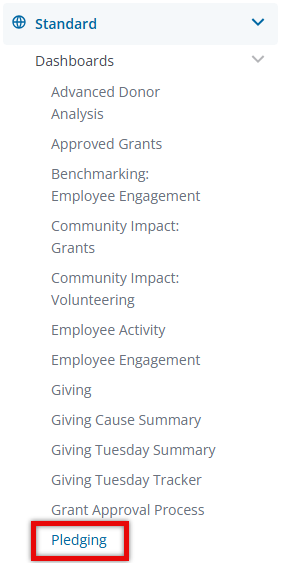
Navigate to the Insights platform and choose Pledging from the list of Standard Dashboards in the left-side navigation panel.
Step 2: Explore the Dashboard Reports
The following is a list of reports included in the Pledging standard dashboard.
Report Name
|
Description
|
| Estimated Annual Pledge | Total estimated amount pledged. |
| Estimated Annual Recurring Pledge | Total estimated amount of recurring pledges. |
| Estimated One-Time Pledges | Total estimated amount of one-time pledges. |
| Donors | Number of donors who have pledged. |
| Participation | Percentage of eligible individuals who have pledged. |
| Annual Pledges by Start Week | Annual pledges based on the start week. |
| Annual Pledges by Cause | Annual pledges based on organization cause. |
| Annual Pledge Amount by State | Annual pledge amounts based on geographic location. |
| Top 10 Organizations by Annual Pledge Amount | Top 10 organizations with the highest annual pledge amounts. |
Step 3: Use the Dashboard Filters
Insights users can utilize the following filters to adjust their view of the data displayed across all tiles within this dashboard.


