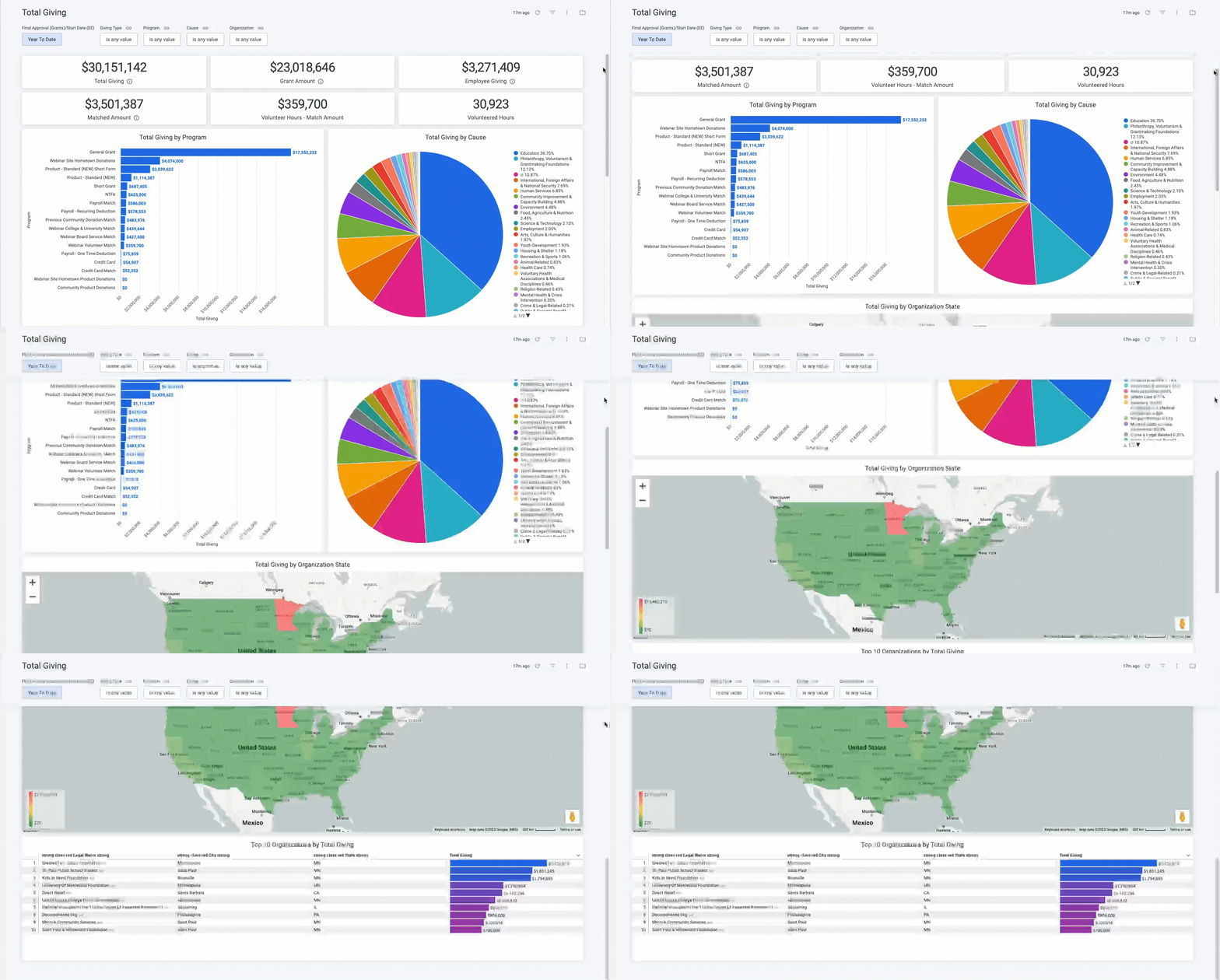
The Total Giving dashboard offers a comprehensive and insightful overview of all giving programs, encompassing Giving, Volunteering, and Grantmaking programs.
This dashboard enables administrators to gain a detailed understanding of the breakdown of giving by Giving Type, Program Name, Cause, and Organization Location, empowering data-driven decision-making and strategic planning.
Target Audience: Executives & Program Administrators
Proceed as follows to further explore the Total Giving standard dashboard and its features.
Step 1: Access the Dashboard
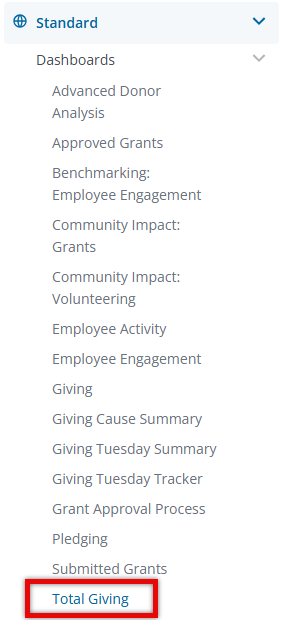
Navigate to the Insights platform and choose Total Giving from the list of Standard Dashboards in the left-side navigation panel.
Step 2: Explore the Dashboard Reports
The following is a list of reports included in the Total Giving standard dashboard.
Report Name
|
Description
|
| Total Giving | Sum of total granted cash + cash gift amount + match amount. |
| Grant Amount | Sum of total granted cash. This tile is filtering by Giving Type = 'Grants' by default and is EXCLUDED from the dashboard Giving Type filter. |
| Employee Giving | Sum of total cash gift amount. This tile is filtering by Giving Type = 'Employee Giving - Direct' or 'Employee Giving - Payroll' by default and is EXCLUDED from the dashboard Giving Type filter. |
| Matched Amount | Sum of total match amount. This tile is filtering by Giving Type = 'Match Amount' by default and is EXCLUDED from the dashboard Giving Type filter. |
| Volunteer Hours | Match Amount - Sum of volunteer match amount. This tile is filtering by Giving Type = 'Hours Volunteered' by default and is EXCLUDED from the dashboard Giving Type filter. |
| Volunteered Hours | Sum of hours volunteered. This tile is filtering by Giving Type = 'Hours Volunteered' by default and is EXCLUDED from the dashboard Giving Type filter. |
| Total Giving by Program | Total gift amount by program. |
| Total Giving by Cause | Total gift amount based on cause. |
| Total Giving by Organization State | Total gift amount based on geographic location. |
| Top 10 Organizations by Total Giving | Total Gift Amounts Sorted from Highest to Lowest by Organization. |
Step 3: Use the Dashboard Filters
Insights users can utilize the following filters to adjust their view of the data displayed across all tiles within this dashboard.
- Final Approval (Grants)/Start Date (EE)
- Giving Type
- Program
- Cause
- Organization
What else do you need help with?
Not what you're looking for? Navigate to Insights Standard Dashboards Overview


