Insights Analyze Advanced Features Overview
The Insights Analyze platform offers a robust set of advanced features to empower Analysts to unlock a deeper understanding of their program's data. From sophisticated filter expressions to powerful table calculations and custom fields, Insights Explores (Lookers) provide an advanced, comprehensive, toolset for Analysts to report on their program's data and uncover meaningful trends.
- Users can leverage advanced filter expressions to refine their analyses, applying complex date-time and numerical filters to hone in on specific data subsets. Additionally, Insights Analyze's table calculation capabilities enable analysts to perform advanced calculations, such as percent of previous and percent change.
- Furthermore, the platform's Donor Team Fields and Custom Fields functionalities allow for the creation of tailored metrics and dimensions, enabling Analysts to customize their Explores to align with their unique data reporting needs.
Feature Availability:
Insights Explores are accessible only to Insights Analysts. Administrators can manage Insights permissions for their program's internal users through the Users section in the Insights platform. Click Here to learn more about the Insights Self-Service User Management Portal.
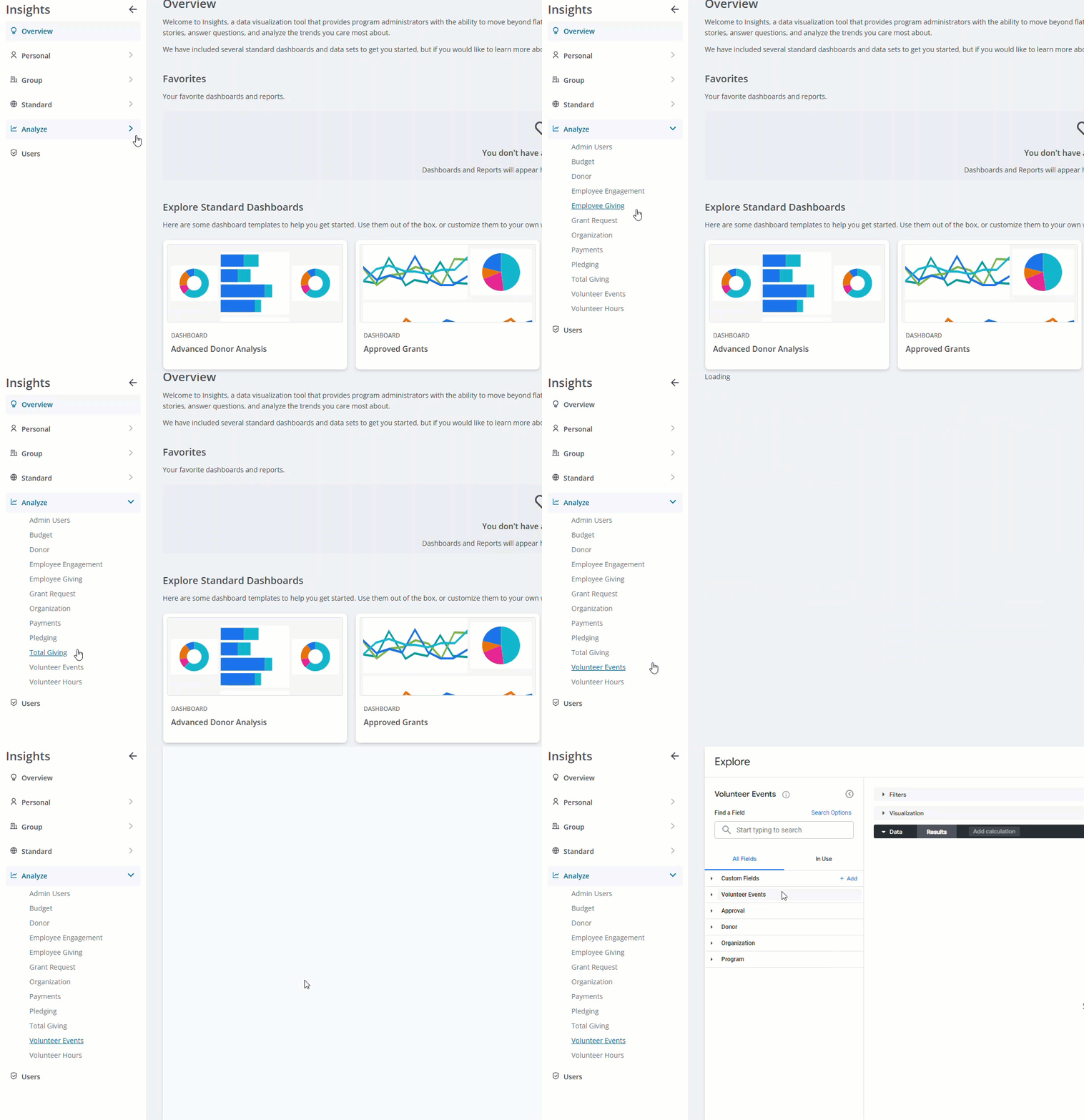
To learn more about advanced Insights Analyze features, review the information detailed in the articles below.
What do you need help with?
Understanding Advanced Filter Expressions for Insights
Understanding Insights Custom Fields
Understanding Insights Table Calculations
Understanding Insights Donor Team Fields
Additional Resources
Not what you're looking for? Navigate to Insights Overview


