Insights Platform Overview
The Insights analytics tool allows you to quickly and easily understand and explore data to assess how effective philanthropic efforts are. The tool's functionality supports administrators as they organize, optimize, and adapt giving programs, providing a centralized location to access relevant data. The Insights platform supports both public external datasets as well as client-specific information, which can be downloaded in various formats. The reporting feature is near real-time, updating every 2 hours.
By utilizing Insights, administrators can organize, optimize, adapt, and enable giving programs quickly and efficiently, as well as reduce response time whenever emerging needs arise.
- Reduce your administrative burden by shortening the time spent on report configuration and manual manipulation with at-a-glance monitoring of throughput by status, region, focus area, dollar amount threshold, and more.
- Take control of compliance by measuring and tracking compliance and funding metrics (e.g., equitable funding) across all your programs including grants, employee giving, and volunteerism — all in one place.
- Accelerate your decision-making by accessing accurate and updated data.
- Optimize and adapt your programs by combining traditional Corporate Social Responsibility (CSR) data with web and support analytics to strategically attune your programs.
- Enhance your data with census and demographic data to align matching gift and grant program spending with strategic initiatives, identify emerging trends, and identify deviations quickly for immediate action.
Key Features
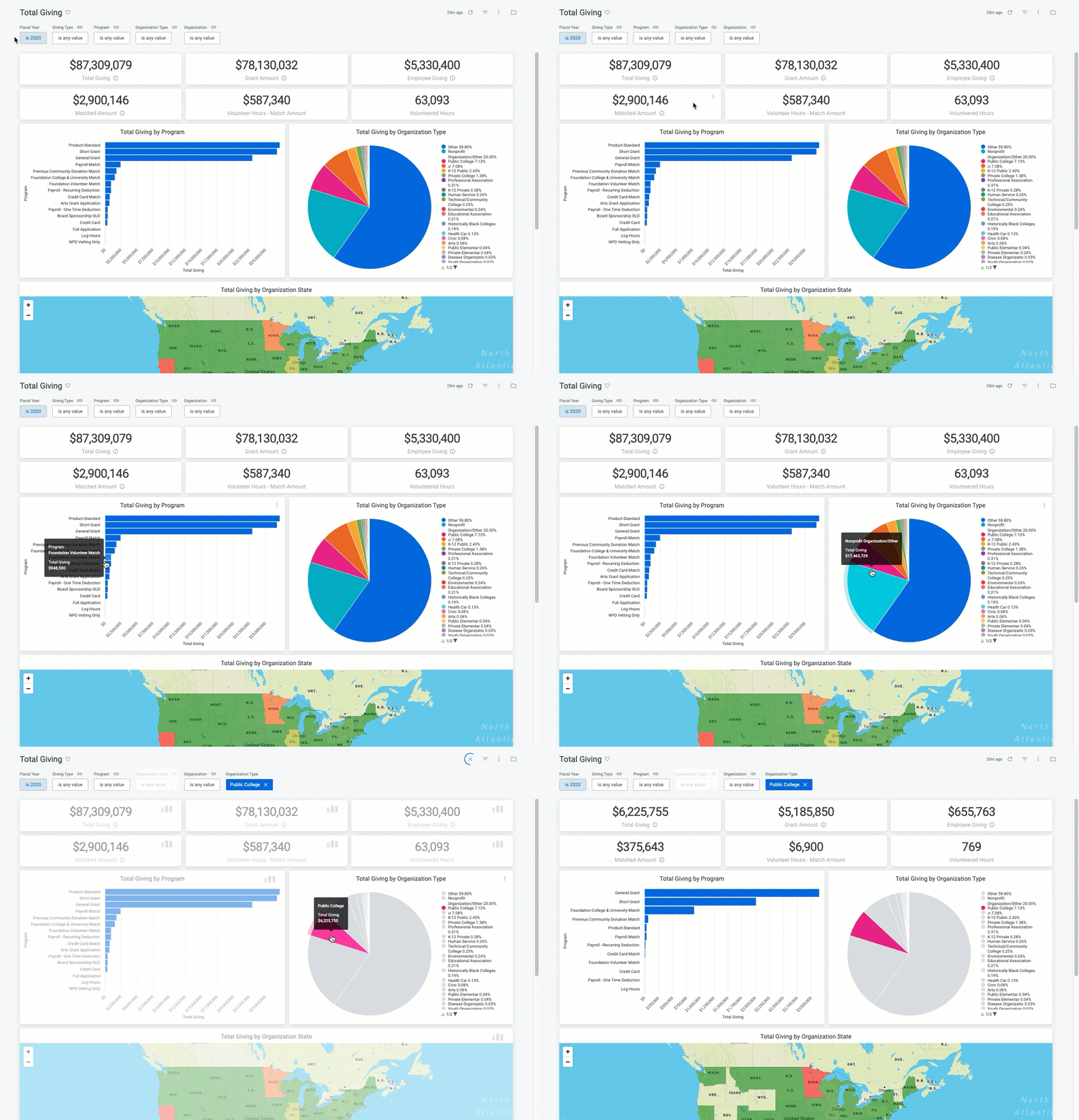
- Dashboards - Dashboards are a collection of saved reports in a centralized location that provide multiple variations of data for a targeted audience (see Figure 1). Analysts in the system can create custom dashboards or use the built-in standard dashboards available to all Insights users.
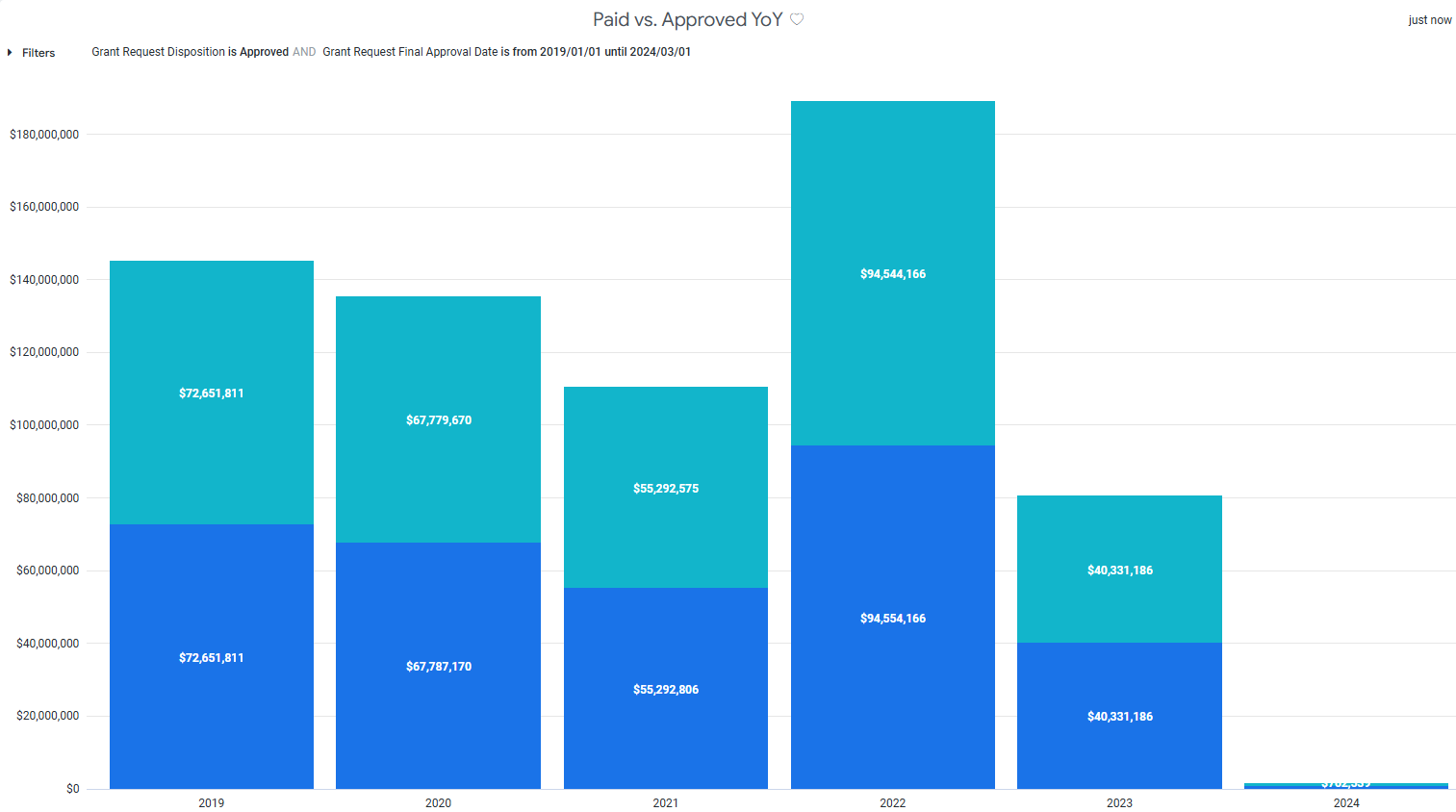
- Reports - Insights reports, also known as Looks, can be created and saved for future reference. Analysts in the system can create custom reports.
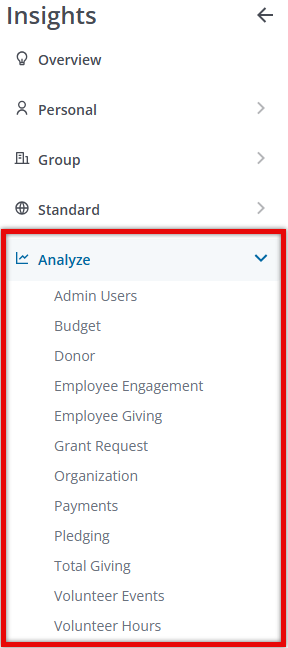
- Analyze - The Analyze function in Insights equips Analysts with the data needed to build their own collection of reports and dashboards, specifically curated to support the varying needs of both internal and external stakeholders.
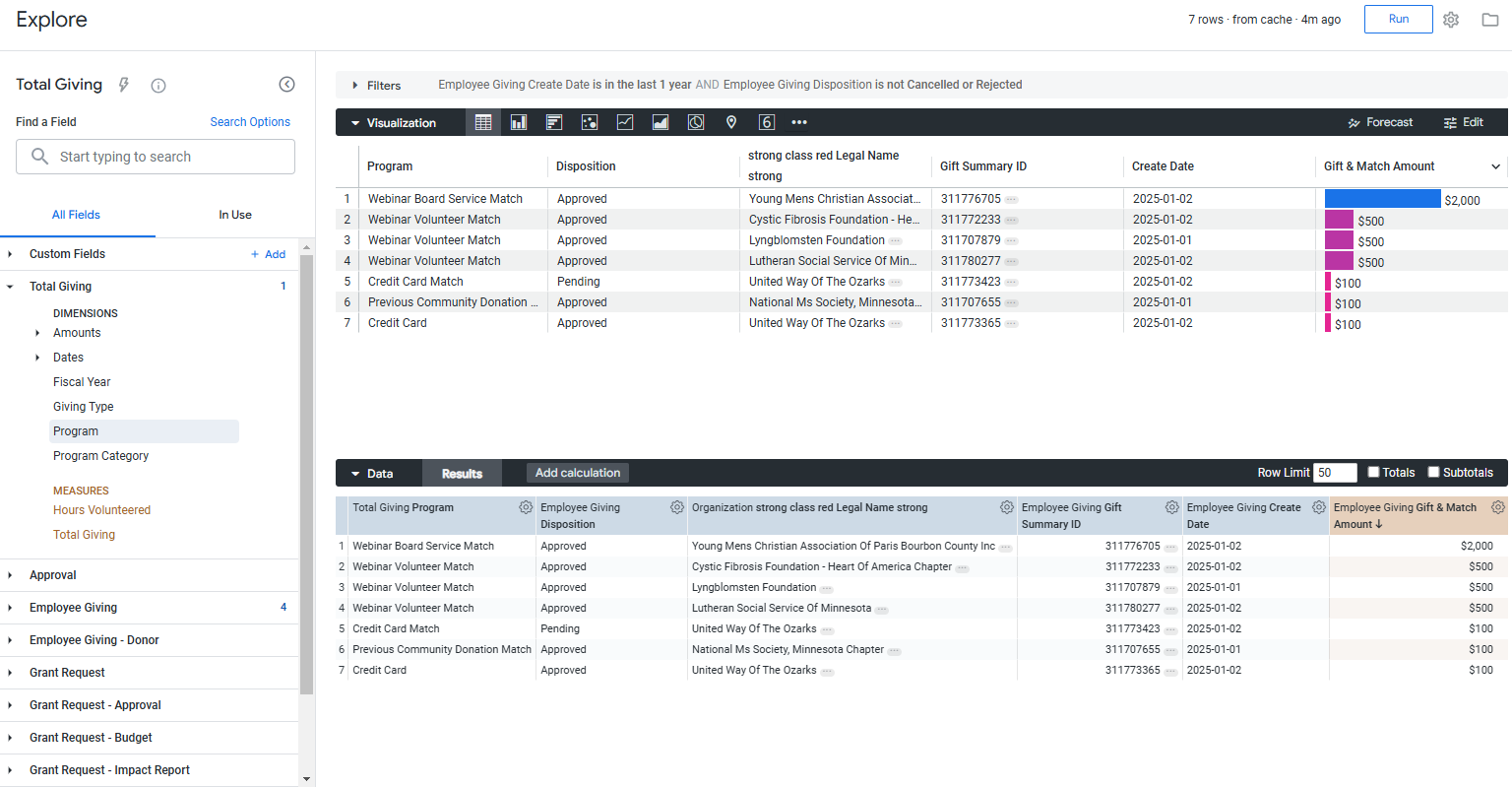
- Explores - Explores are the foundation of dashboards and reports in the system and are a sub-feature of the Analyze function accessible to Insights Analysts. They contain a series of standard organized folders and subfolders containing all standard and custom client data. Various measures for calculations are also available within each Explore.
Feature Availability:
Access to Insights is limited to internal program administrators.
- Insights users are given the ability to grant other administrators Insights user permissions.
- Only Insights Analysts are able to view and leverage Explores through the Analyze feature.
See Understanding the Insights Self-Service User Management Portal for more details on managing Insights user roles and permissions.
What do you need help with?
What else do you need help with?
Understanding Insights Data Integration and Permissions
Understanding Insights Reports
Insights Dashboards Overview
Insights Analyze Basics Overview
Insights Analyze Advanced Overview
Insights Visualization Types Overview


